VS800
™ Scanner User's Guide 17
Routine Maintenance
The VS800 scanner's rugged design requires little maintenance.
Routine maintenance consists of cleaning the scanner and Scan
Window periodically.
Cleaning the Scan Window
Regular cleaning of the window surface of the scanner reduces
residue buildup and helps ensure the system’s highest performance.
WARNING
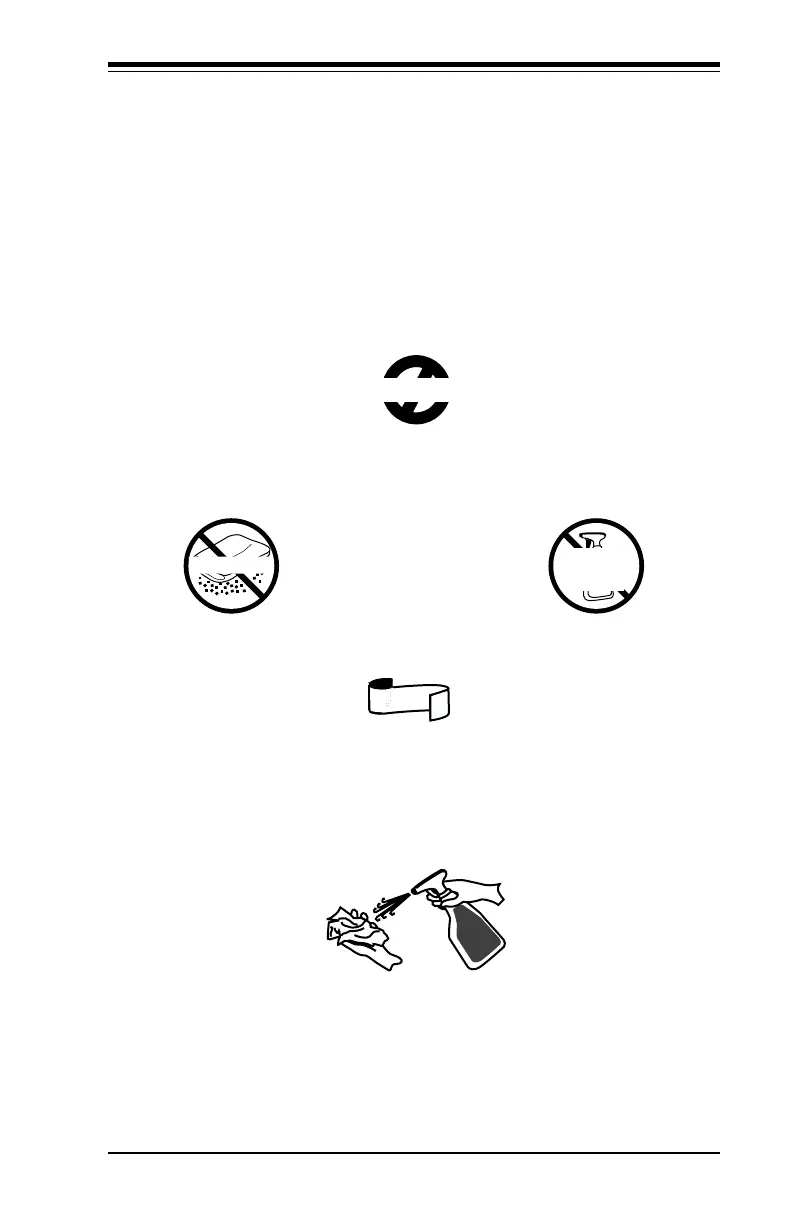
DO NOT USE ALCOHOL, PETROLEUM, ACETONE, ABRASIVE
CLEANER OR ABRASIVE PADS. THEY WILL HARM OR SCRATCH
THE SURFACE.
ABRASIVES
ALCOHOL
or
ACETONE
Use these procedures for cleaning the scan window.
NOTE
The scan window is a high quality, optical grade plastic. Use a soft
lens cloth and non-abrasive cleaner to avoid scratching.
1. Spray the cleaner on a soft, lint-free cloth and gently
clean the window surface.
Glass
Cleaner
2. Completely wipe the window dry with a soft,
lint-free cloth.



 To Next Page