102Web
Status informationStatus information
Status informationStatus information
Status information
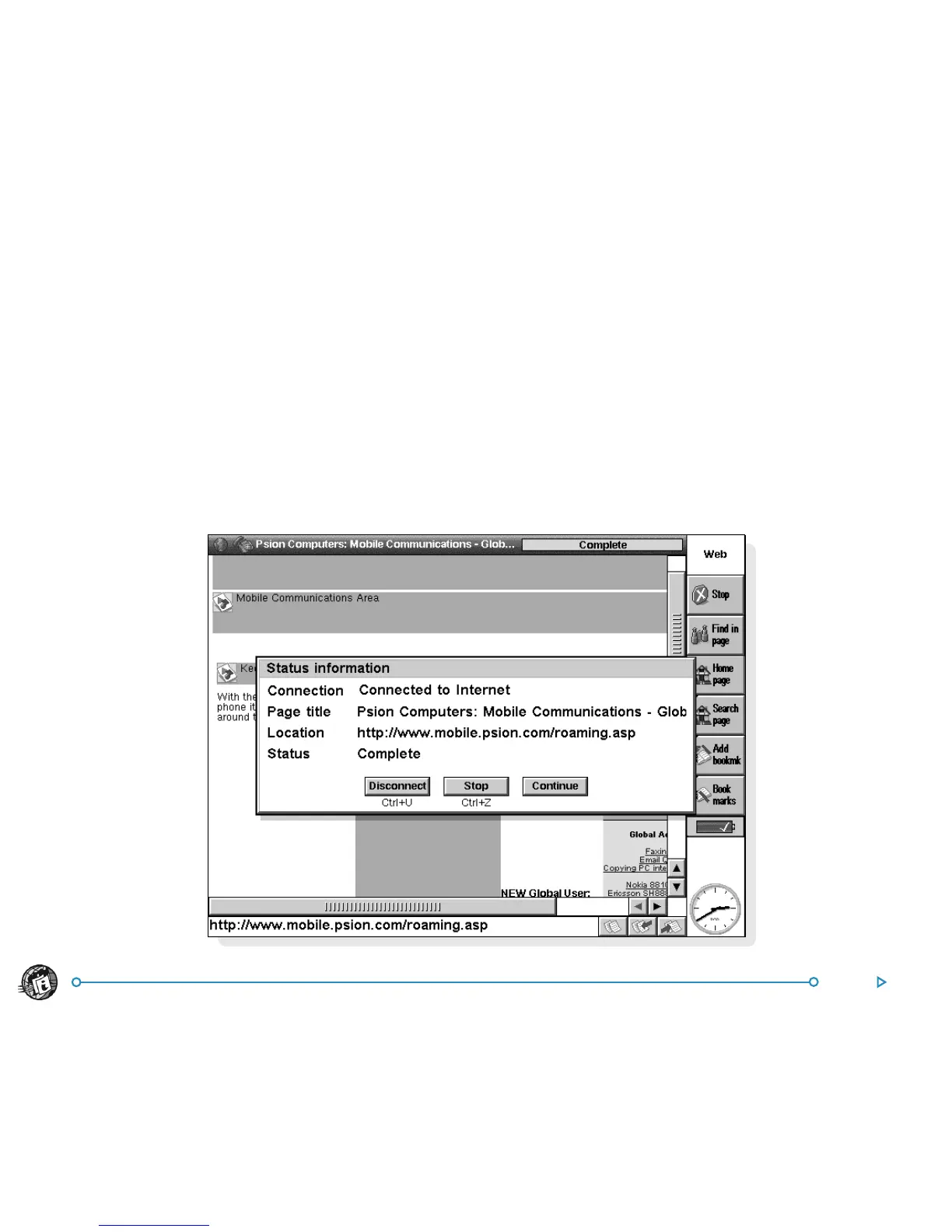
You can view status information about your connection to the
Internet at any time.
To do this:
• Tap the title bar, or select the Status command from the
Information command in the Tools menu.
The Status information dialog displays the following details about
your connection:
Connection: Whether or not you are currently connected to
the Internet.
Page title: The title of the Web page currently displayed.
Location: The full Web address of the page currently displayed.
Status: Web’s progress in retrieving the current page.
To view information about the page you have open:
• Tap the title bar, or select the Page command from the
Information command in the Tools menu.



 To Next Page