40Word
Information from other programsInformation from other programs
Information from other programsInformation from other programs
Information from other programs
You can add pictures, graphs, spreadsheets and sounds to your
Word files by inserting information created by the other netBook
programs. When a piece of information is inserted, it is known as
an “object”.
Inserting an “objectInserting an “object
Inserting an “objectInserting an “object
Inserting an “object
””
””
”
• To insert a sketch: tap the Insert Sketch button in the
Toolbar or select the command from the Insert menu. A
copy of the Sketch program will open where you can create
your picture.
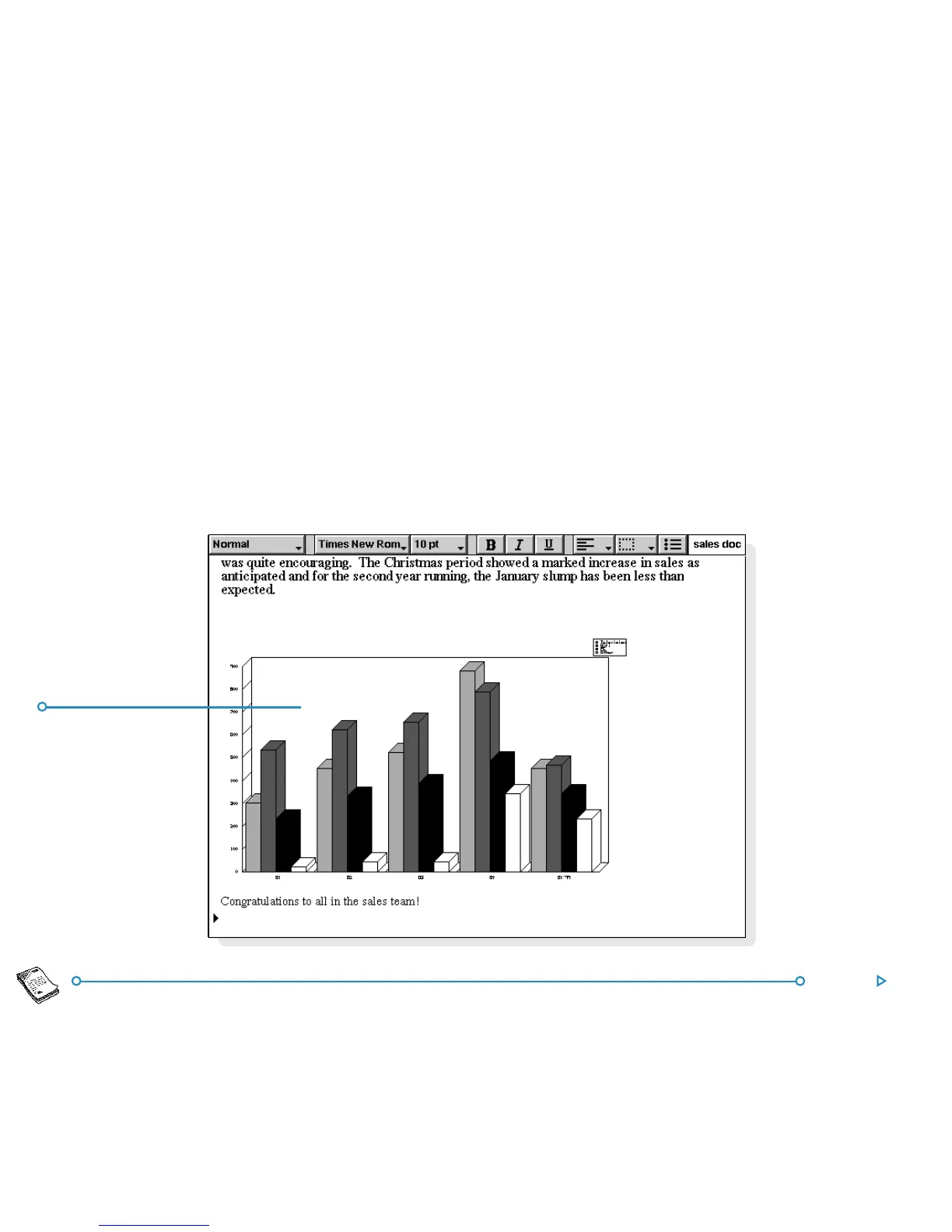
• To insert a table or graph: tap the Insert Graph button
in the Toolbar or select the command from the Insert
menu. A copy of the Sheet program will open. Word
displays the inserted Sheet object as a graph or a
spreadsheet, depending on the view displayed when you
close the copy of Sheet.
••
••
• To insert a sound or other object: select the Other
object command, and select from the programs which
support this feature, e.g. Record for a sound recording.
Close the program using the Done button at the top of the
screen to return to Word.
Graph insertedGraph inserted
Graph insertedGraph inserted
Graph inserted
from Sheetfrom Sheet
from Sheetfrom Sheet
from Sheet



 To Next Page