39Word
Moving around the document outlineMoving around the document outline
Moving around the document outlineMoving around the document outline
Moving around the document outline
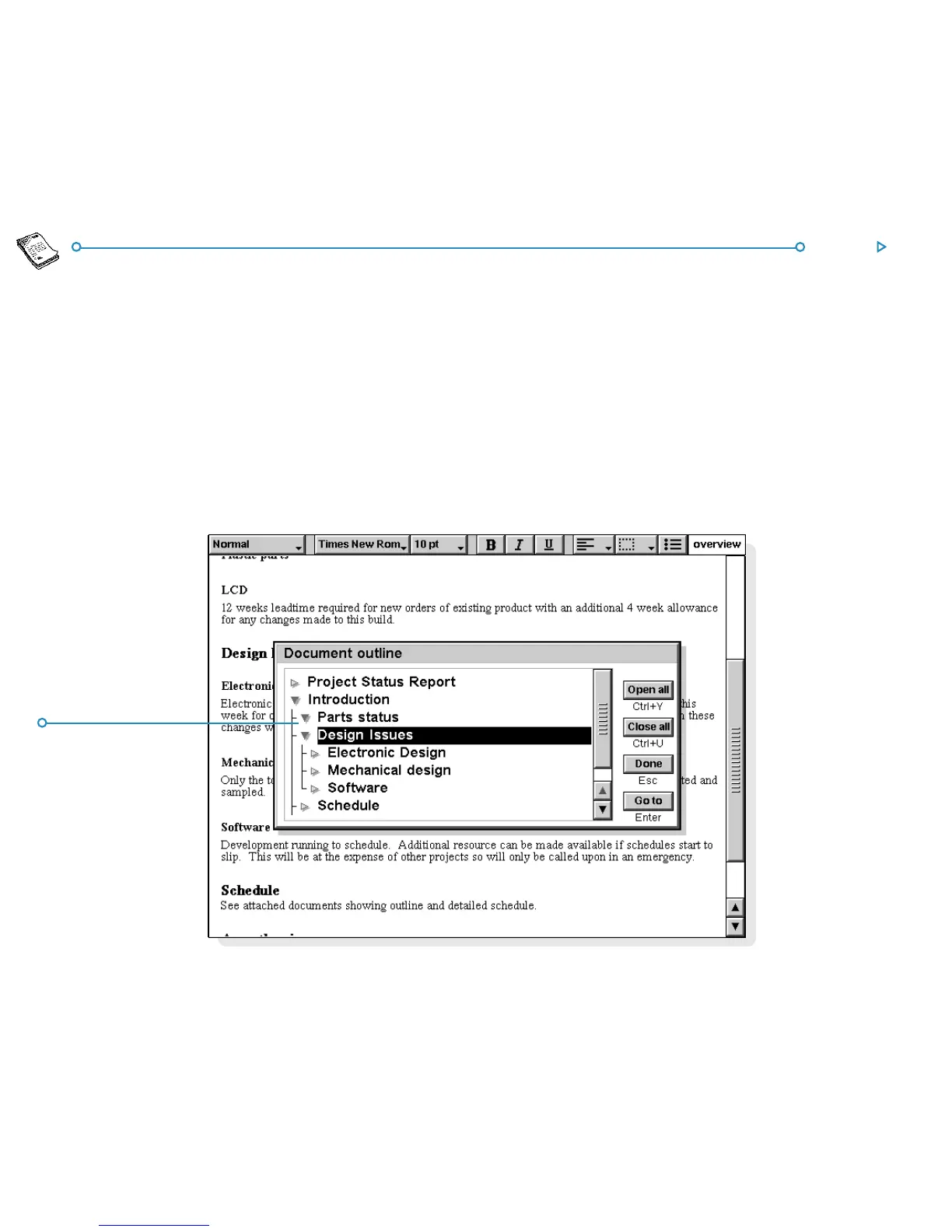
You can use the document outline to move quickly to other parts
of the document. To do this:
1. Select Outline on the View menu to display the document
structure in outline.
2. Move the cursor to the line representing the section of the
document that you want to move to (using the arrow keys
to display or hide other levels as necessary).
3. Tap Go to or press Enter to return to the document with
the cursor at this section in the text.
DocumentDocument
DocumentDocument
Document
outline levelsoutline levels
outline levelsoutline levels
outline levels



 To Next Page