163Program
PROGRAMMINGPROGRAMMING
PROGRAMMINGPROGRAMMING
PROGRAMMING
You can:
• Create and use programs on your netBook using the built-in
programming language, OPL. Complete details of OPL
command syntax is described in the OPL Programming
Manual, available on the PsiWin CD ROM.
Creating & running OPL programsCreating & running OPL programs
Creating & running OPL programsCreating & running OPL programs
Creating & running OPL programs
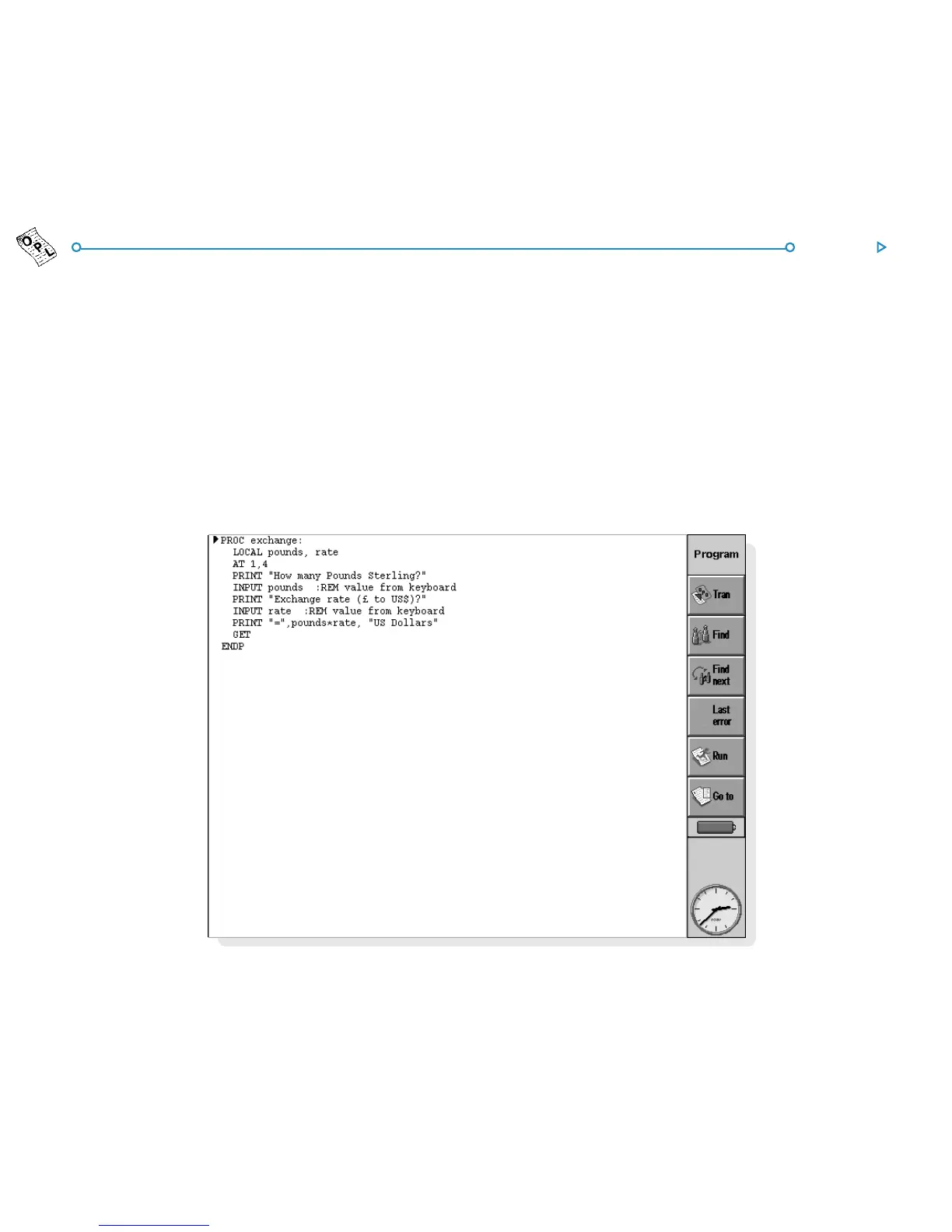
1. Create the program in the Program editor program. Simply
type in the OPL commands as required. You can edit text
using the menu commands in the Program editor, which
work in the same way as the commands in the Word
processor, e.g. cut, copy, find.
Note: Text formatting will be applied to all the text in the file.



 To Next Page