37Word
Using stylesUsing styles
Using stylesUsing styles
Using styles
A style is a collection of formatting options which can be applied
to a whole paragraph using a single command or keypress.
Word has four built-in styles; Normal, Heading 1, Heading 2 and
Heading 3.
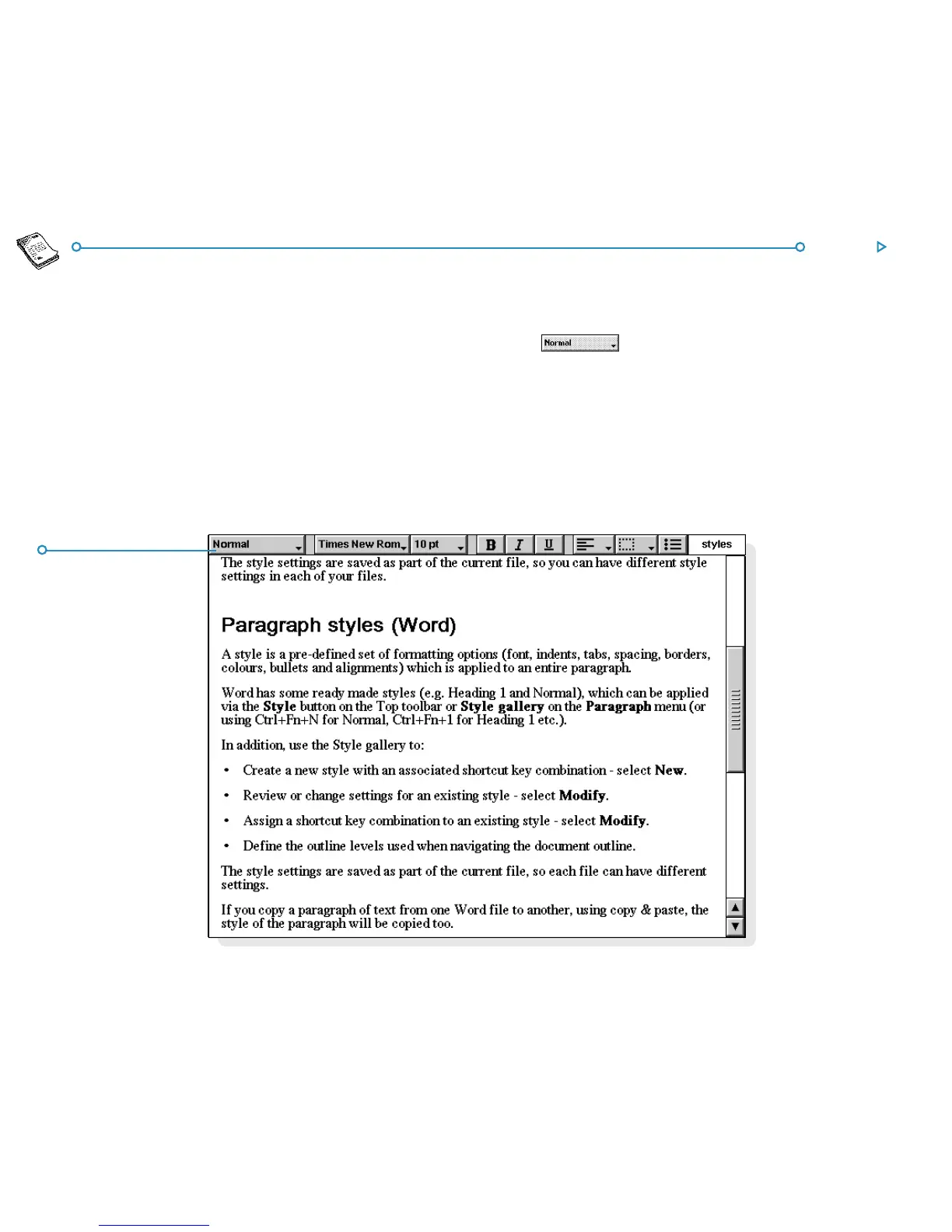
• To apply a built-in style: select the paragraph(s), then tap
the button on the Top toolbar and select the
style you want, e.g. Heading 1. You can also select the Style
gallery command from the Paragraph menu.
Note: The text on this button changes to display the style of the
current paragraph.
Style buttonStyle button
Style buttonStyle button
Style button



 To Next Page