127Jotter
Inserting other informationInserting other information
Inserting other informationInserting other information
Inserting other information
To insert the date:
• Select Date from the Insert menu. Note that Jotter can
display either the date that you created the entry,orthe
date it was last changed. See ‘Customising Jotter’ for more
details.
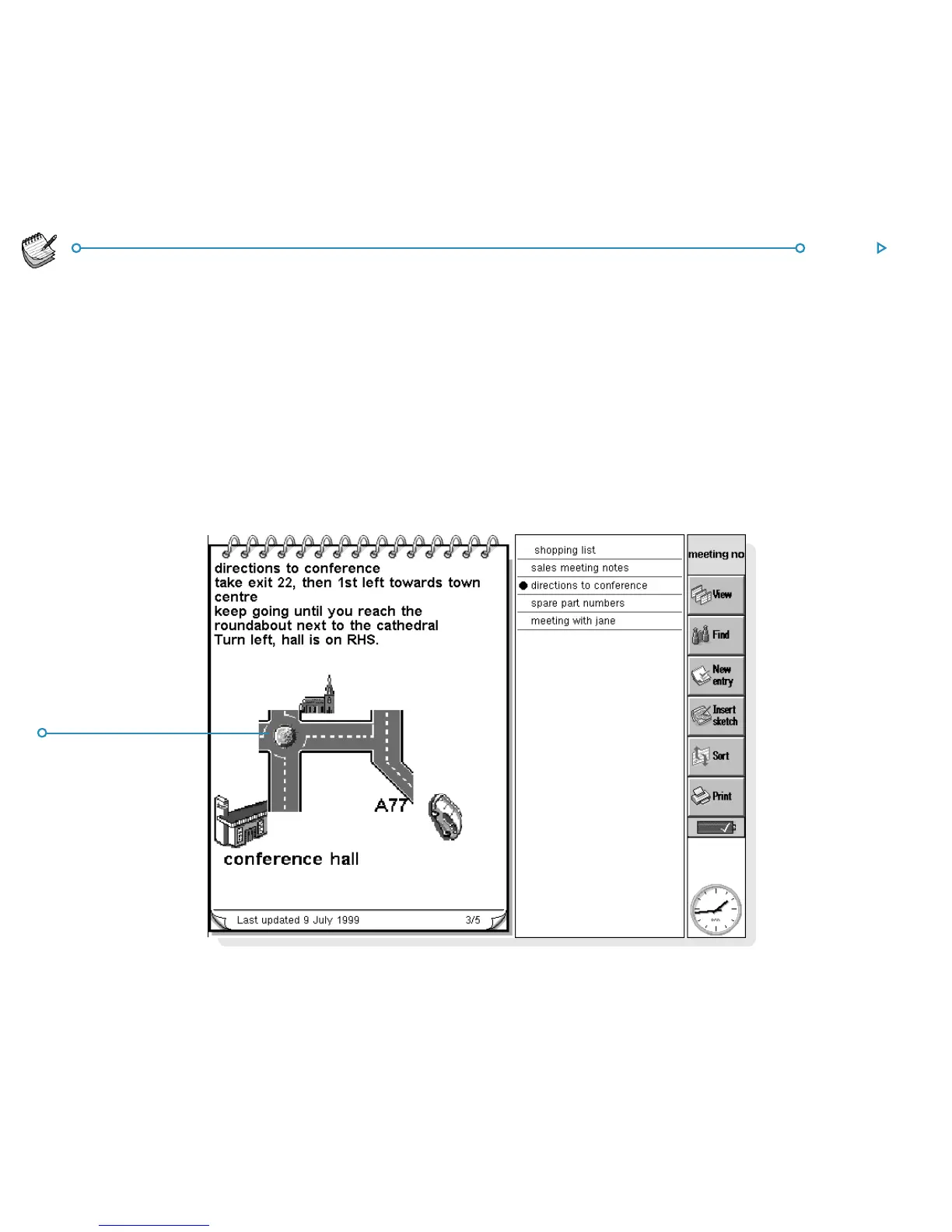
To insert a sketch:
1. Select Sketch from the Insert menu, or tap the
Insert sketch button on the Toolbar.
2. Draw the sketch, then tap the Done button to return to
Jotter and insert the sketch.
Inserted skInserted sk
Inserted skInserted sk
Inserted sk
etchetch
etchetch
etch



 To Next Page