181Infrared
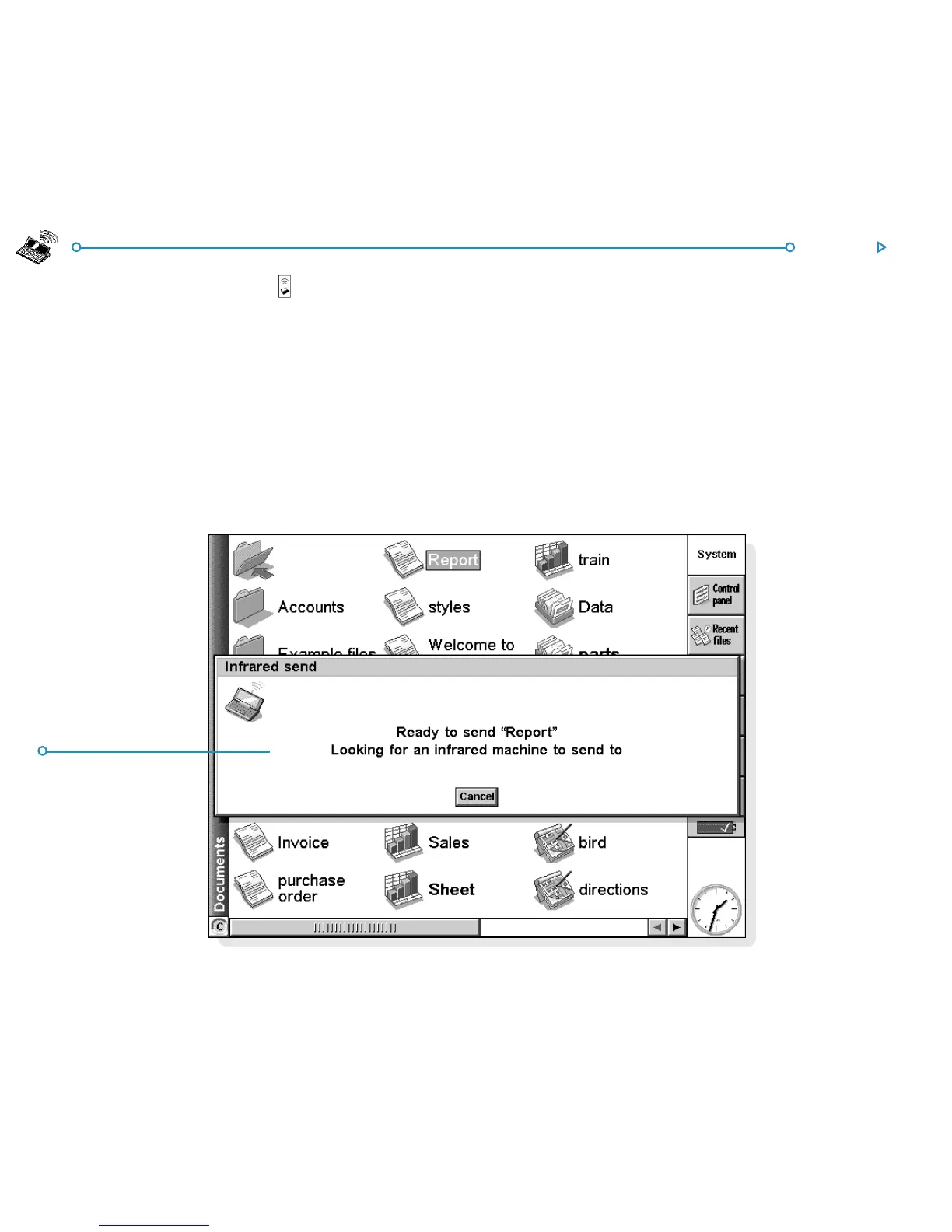
4. On the sending machine, tap the command icon and select
the Infrared send command (or select it from the Tools
menu). If the Infrared windows are in range, the transfer
begins. Infrared screens appear on both machines to indicate
that the transfer is taking place, and the progress of the
transfer is displayed.
RR
RR
R
eady to sendeady to send
eady to sendeady to send
eady to send
by infraredby infrared
by infraredby infrared
by infrared



 To Next Page