58Contacts
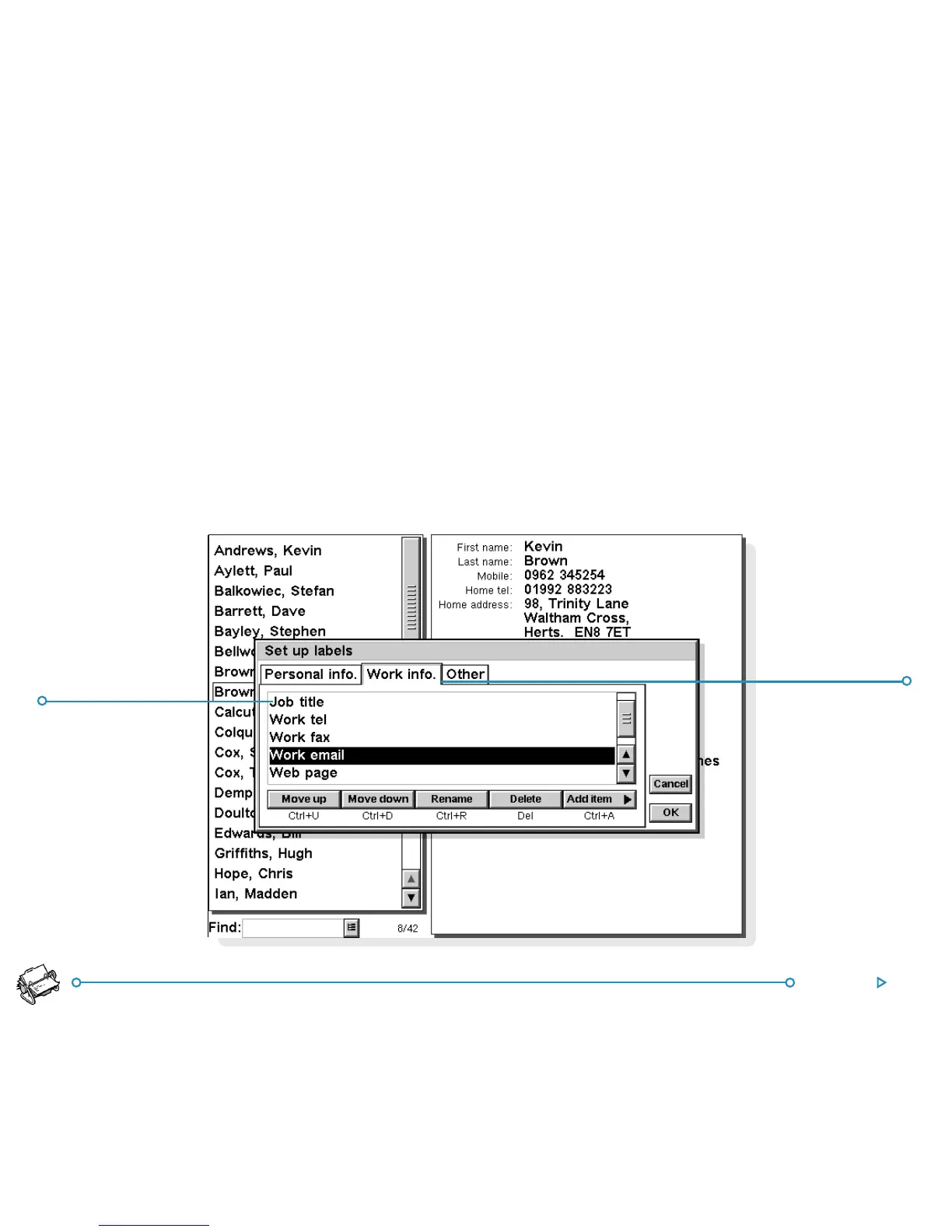
You can add, remove, rename and change the order of labels
used for all new contacts. To do this, select Set up labels on
the Tools menu.
• To add a new label, tap Add item and select a label type.
• To change the name of a label, select it and tap Rename.
• To change the order of a label in the list, select it and use
Move up and Move down.
• To delete a label, select it and tap Delete .
Note: You can’t delete labels from existing contacts, but you
can prevent a label’s title appearing by deleting its contents.
LabelLabel
LabelLabel
Label
PP
PP
P
age labelage label
age labelage label
age label
appears onappears on
appears onappears on
appears on



 To Next Page