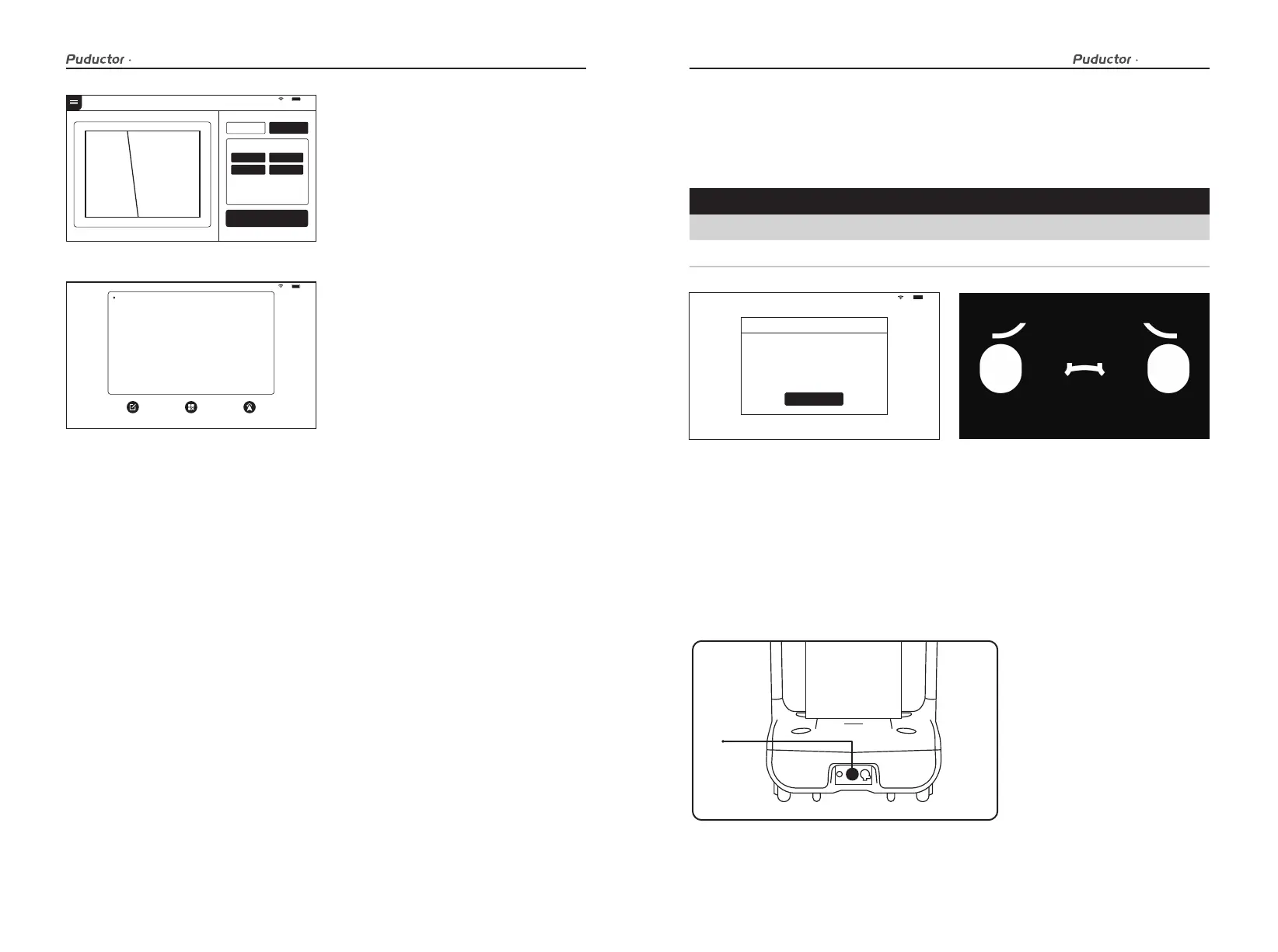
6. After pausing during a task, the screen
enters this interface, you can perform
operations such as modifying the task,
returning to parking location, and
canceling all tasks.
91 %
Disinfection mode
Disinfection area
Disinfection duration
Modify
min
(m²)
100
100
200
300
Start o
Other area
Route Settings
4. Select or enter the indoor space area
of the disinfection task.
5.Please make sure that the disinfection
mode knob is turned on before the
disinfection task,otherwise the robot
cannot start working.
STOP
91 %
Pause
Click on the screen
to continue delivering
Continue delivering in 20 seconds
Modify task Cancel all Return
In the following cases, the robot will stop working and give an alarm tone, the tablet
interface will prompt the corresponding instructions, and the machine will need your
assistance.
Alarm display
Alarm display Solutions
Battery is too low
Loss of positioning
Please push the robot back for charging(Figure 1)
Push the robot directly below the visual mark (Figure 2)
I'm lost. Please push me under the positioning mark
Tips
Low battery, please charge
I got it
100%
(Figure 1) (Figure 2)
An abnormal state of the robot or an unexpected situation may cause damages to the
surrounding environment, the user can press the emergency stop switch at the bottom to
stop the robot.
Emergency handling
User manual User manual
19 20



 To Next Page