8
Installation Instructions (continued):
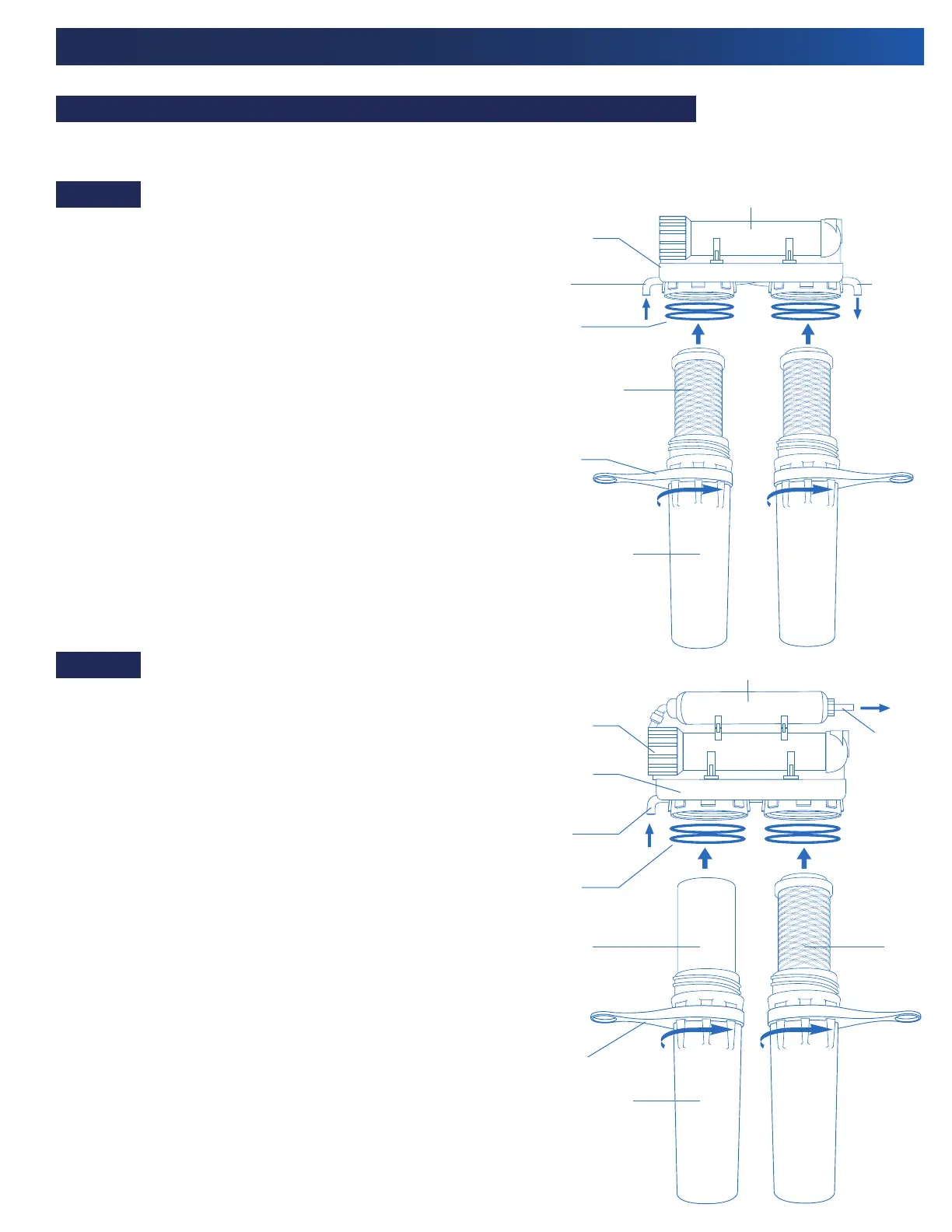
1. Insert a Carbon Block Filter into the 1st filter housing bowl,
which is the one on the water inlet side (red tubing) of the
RO system, and install housing bowl onto the housing head
by screwing in a counter-clockwise direction. Tighten using
the wrench supplied.
2. Insert a Carbon Block filter into second housing bowl and
screw the housing bowl onto the housing head by rotating
in a counter-clockwise direction. Tighten using the supplied
wrench.
NOTE: Make sure the seal marks on the head and
bowl are aligned.
1. Insert a Sediment Filter (cloth like appearance) into the 1st
filter housing bowl, which is the one on the water inlet side
(red tubing) of the RO system, and install housing bowl
onto the housing head by screwing in a counter-clockwise
direction. Tighten using the wrench supplied.
2. Insert a Carbon Block filter into second housing bowl and
screw the housing bowl onto the housing head by rotating
in a counter-clockwise direction. Tighten using the supplied
wrench.
NOTE: Make sure the seal marks on the head and bowl
are aligned.
CAUTION: When looking at the system from the front,
the sediment filter must be on the left and the carbon
block filter must be on the right.
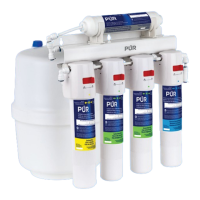
Installing the Filter Cartridges and Filter Housing Assembly (See Figure 10 or 11):
PUN3RO
PUN4RO
CAUTION: You must keep the filters and filter housing upright during assembly for maximum performance.
Figure 10
Figure 11
Rubber
O-Rings
Rubber
O-Rings
Water
Inlet
Water
Inlet
Water
Outlet
Water
Outlet
Wrench
Wrench
RO Membrane
Housing
RO Membrane
Housing
Mounting
Bracket
Mounting
Bracket
GAC Polishing Filter
Carbon Block
Filters
Carbon Block
Filter
Sediment
Filter
Filter Housings
Filter Housings


 To Next Page