15
Wi-Fi settings
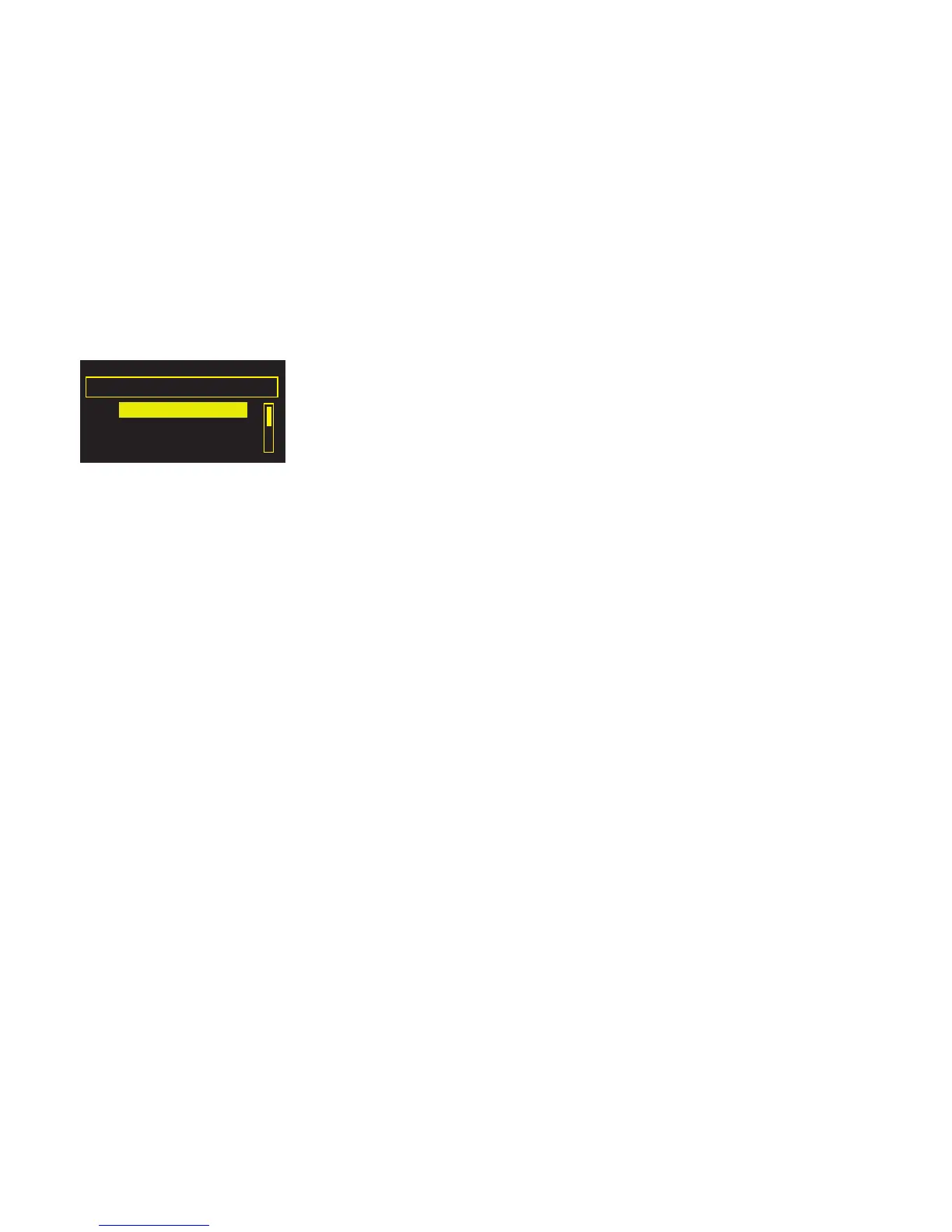
Tap Options from either The Lounge or Media player, then select Wi-Fi settings to view options
for configuring your wireless network.
Connection wizard
Scan for wireless networks to connect to. See your radio’s Quickstart Guide for instructions.
View details
Displays the configuration of the wireless network that your radio is connected to:
Network name The Network Name (SSID) is shown at the top of the screen.
Encryption The encryption method is listed (WEP, WPA or WPA2).
IP address IP address of the radio.
Net mask The configured network mask.
DNS Domain Name Server IP address.
Router Gateway router IP address.
Radio Name Name of the radio (see page 6).
MAC address MAC address of the radio (a fixed address that identifies your radio).
Access point MAC address of the wireless router that the radio is connected to.
Manual setup
Manually configure your wireless network settings (for advanced users only).
Retry connection Attempts to reconnect to the selected network.
Network name Scan for networks or Enter SSID manually to specify a new SSID for your
wireless network.
Encryption mode Change the encryption mode between WEP, WPA (PSK), WPA2 (PSK) or
None. Oasis Flow automatically detects the mode for your network. Only
change this setting if you think the encryption mode is incorrect.
Key or password
Enter a new encryption key or password.
IP address Choose between DHCP (dynamic) or Static.
Clear network settings
Oasis Flow will delete all previous Wi-Fi connections, passwords and settings and perform a fresh
scan for available networks.
Wi-Fi settings
Connection wizard
View details
Manual setup



 To Next Page