6
The Lounge settings
Clear favorites
Select Clear favorites to remove all stations/podcasts/PURE Sounds from your favorites list, as
well as from the Lounge if your radio is connected.
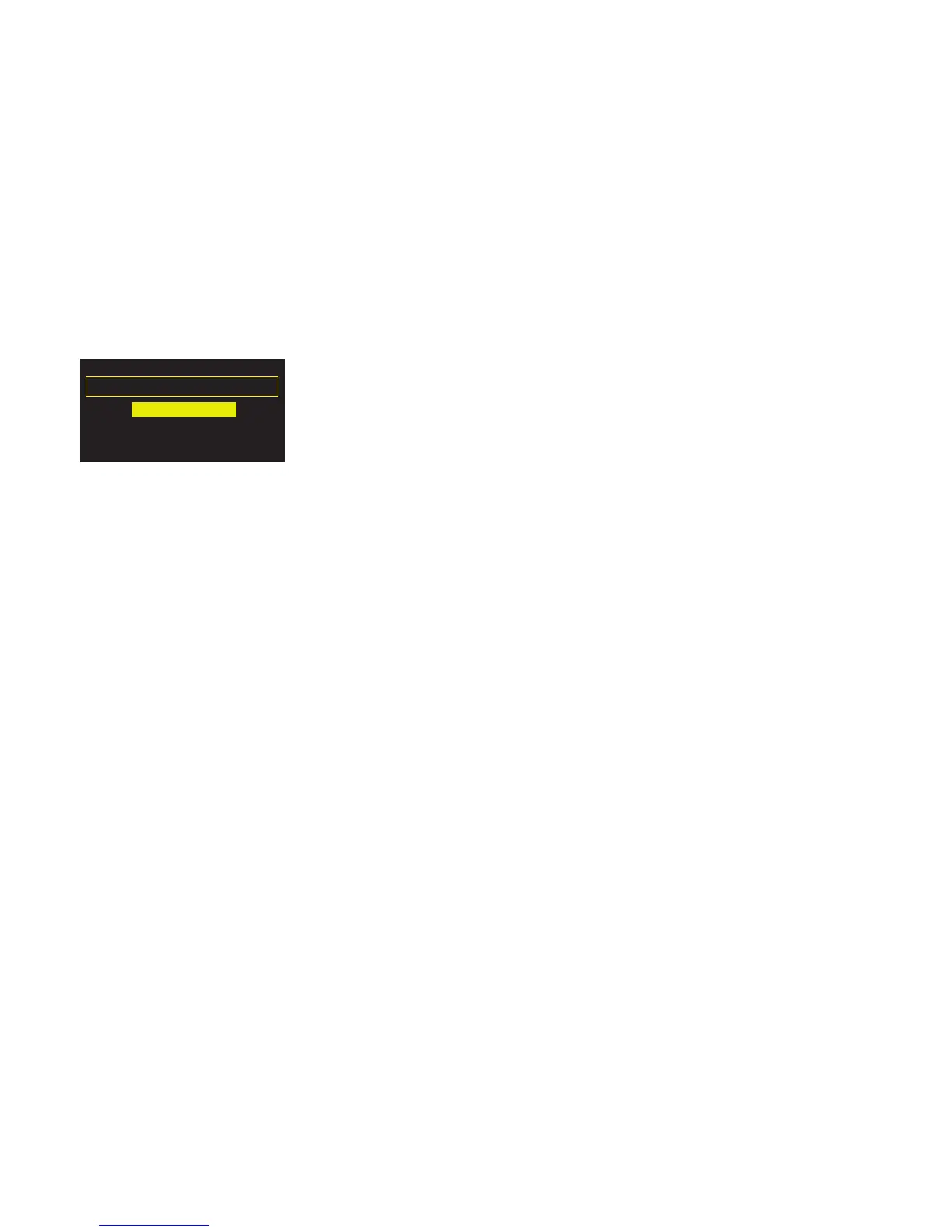
Change radio name
So that you can find your radio easily when using the Lounge website to manage your listening,
your Oasis Flow has a name. By default this name is ‘My Oasis Flow’, but here you can change
this to anything you like to make it more memorable. Select View/Change radio name. The
current name is at the top of the screen. Enter a new name and tap Save to confirm.
Register with the Lounge
Enter your Lounge registration code if you have not already done so.
The Lounge settings
Clear favourites
View/change radio name
Register with the Lounge



 To Next Page