5
Join the Lounge
Optional registration at
www.thelounge.com adds
advanced features to your
radio. Register now?
Yes NeverLater
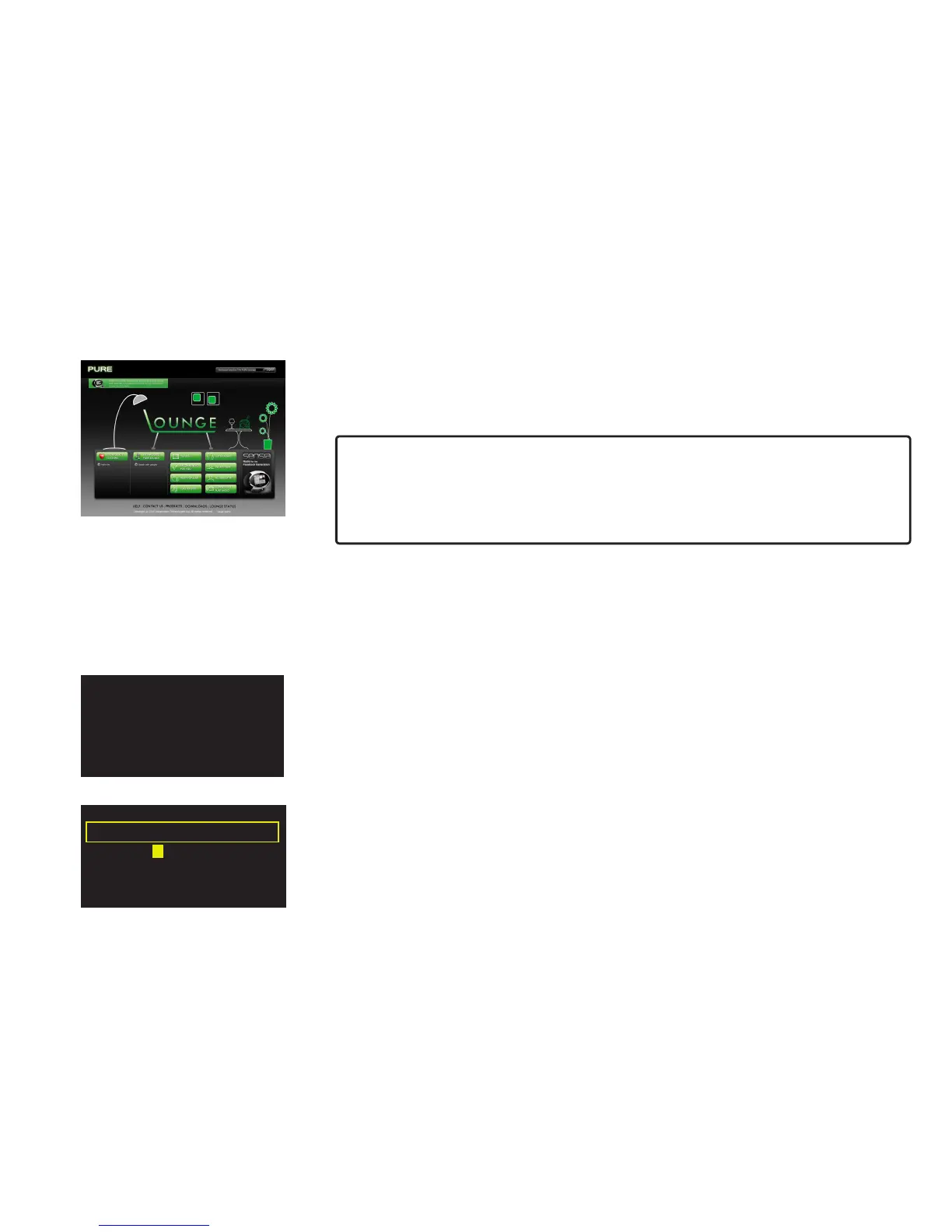
Join and connect your Flow radio to the Lounge and you can make the wealth of content more
manageable by saving as many favorites as you like and organizing them in folders however you
choose – these favorites and folders are synchronized with all of your Lounge-connected radios.
If you are already a member of the Lounge, see ‘Connecting your radio to the Lounge’ below.
To join the Lounge and connect your radio you will need:
1. A valid personal e-mail address. We will send you a couple of e-mails during the
membership and connection process to enable you to activate your Lounge membership
and connect your radio. You won’t be able to complete the process without these e-mails.
2. Your radio’s unique serial number. You can find this on the bottom of your radio.
1. Log in to the Lounge and click the ‘My Radios’ > ‘Connect my radio’ > ‘Start’. When you have
filled in your details, you will receive an e-mail with your radio’s connection code.
2. From Lounge settings on your radio, select Register with the Lounge to enter your code.
Use the Select dial to highlight and select characters; tap Delete to erase characters; and tap
Save to finish.
You now have a registered radio. Any favorites you have already stored on your radio will now be
visible on the Lounge and you can organize them however you wish. Any changes will be reflected
on your radio, and changes you make on your radio will also apply on the Lounge.
Connecting your radio to the Lounge
Open your internet browser, go to www.thelounge.com and click the 'Join' button. When you
have filled in your details, the Lounge website will automatically send you an e-mail containing a
membership activation link. Click this and a new browser window will open confirming that your
membership has been activated. You are now a Lounge member and are ready to log in.
A BCDE FGHIJKLM
NOPQRSTUVWXYZ
sp0123456789
Enter registration code



 To Next Page