-03-
ENGLISH
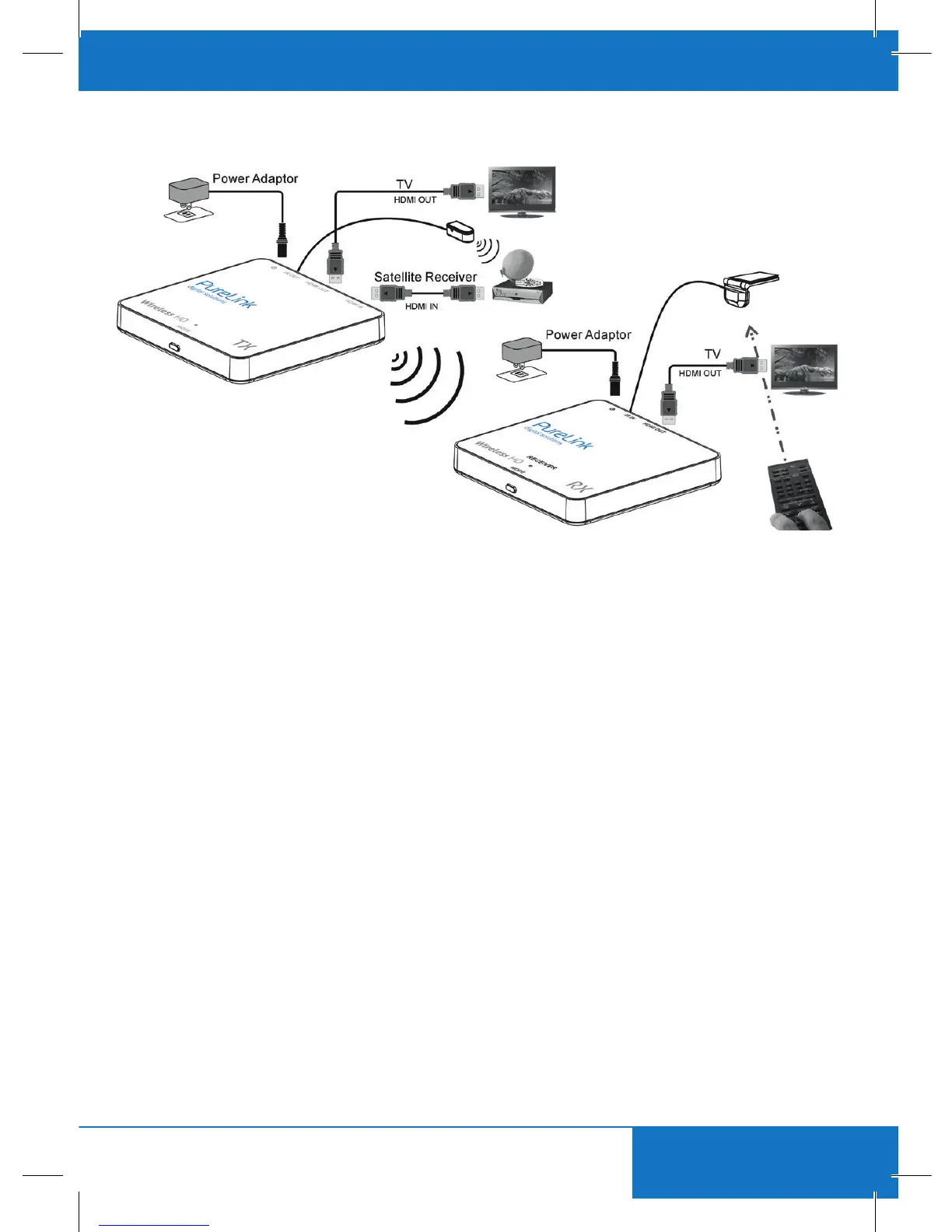
3. CONNECTION
Step 1:
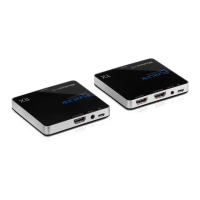
UseanHDMIcabletoconnecttheHDMIINoftheCSW100transmitterwithasourcedevice.Youcan
use another HDMI cable to connect the HDMI OUT to a display (Loop-Through).
Step 2:
Use an HDMI cable to connect the HDMI OUT of CSW100 receiver to a display device.
Step 3:
(Skipthisstepifyoudon‘tneedIRExtension)ConnecttheIRemittertotheCSW100transmitter.Then
placetheemitterinfrontofthesourcedevice’sIRreceiver.ConnecttheIRreceivertotheCSW100
receiver. Then place the receiver probe in place, accessible for your remote control.
Step 4:
Connect a DC 5V1A power adapter to the power jack (MicroUSB) of the CSW100 transmitter.
Step 5:
Connect the other DC 5V1A power adapter to the power jack (MicroUSB) of the CSW100 receiver.
Step 6:
To pair receiver and transmitter, press the MODE key on the receiver‘s box and then press the MODE
key on the transmitter.


 To Next Page