-04-
4. OPERATION
A. Installation
1.MakesureyourinputACvoltageiscompliantwithtotheadapterspecications.
2. Only use the power adapters provided with the CSW100. If you use your own adapter,
make sure the power output is 5V DC, 1A centre positive.
3. In a direct line-of-sight, the maximum range of A/V signal transmission can reach up to about
30 meters. This distance can be shortened by obstacles or walls placed between transmitter
and receiver. The optimum indoor range is under 30m.
4.Toensureagoodinfraredremotecontroloperation,aimyourremotecontrolattheIRreceiver
oftheCSW100andpressthebuttonsrmly.Forsomeremotecontrolsitmaybenecessary
topressandholdeachbuttonforaboutasecond.TheworkingangleoftheIRreceiveris+/-15°.
5. The remote controller has to be used within the distance of 0.3m - 5m at a working angle
of+/-15°.
B. Transmitter & Receiver Pairing MODE
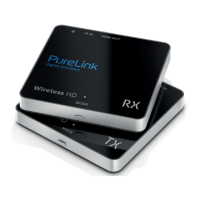
1. First press the “MODE” button on the receiver‘s box.
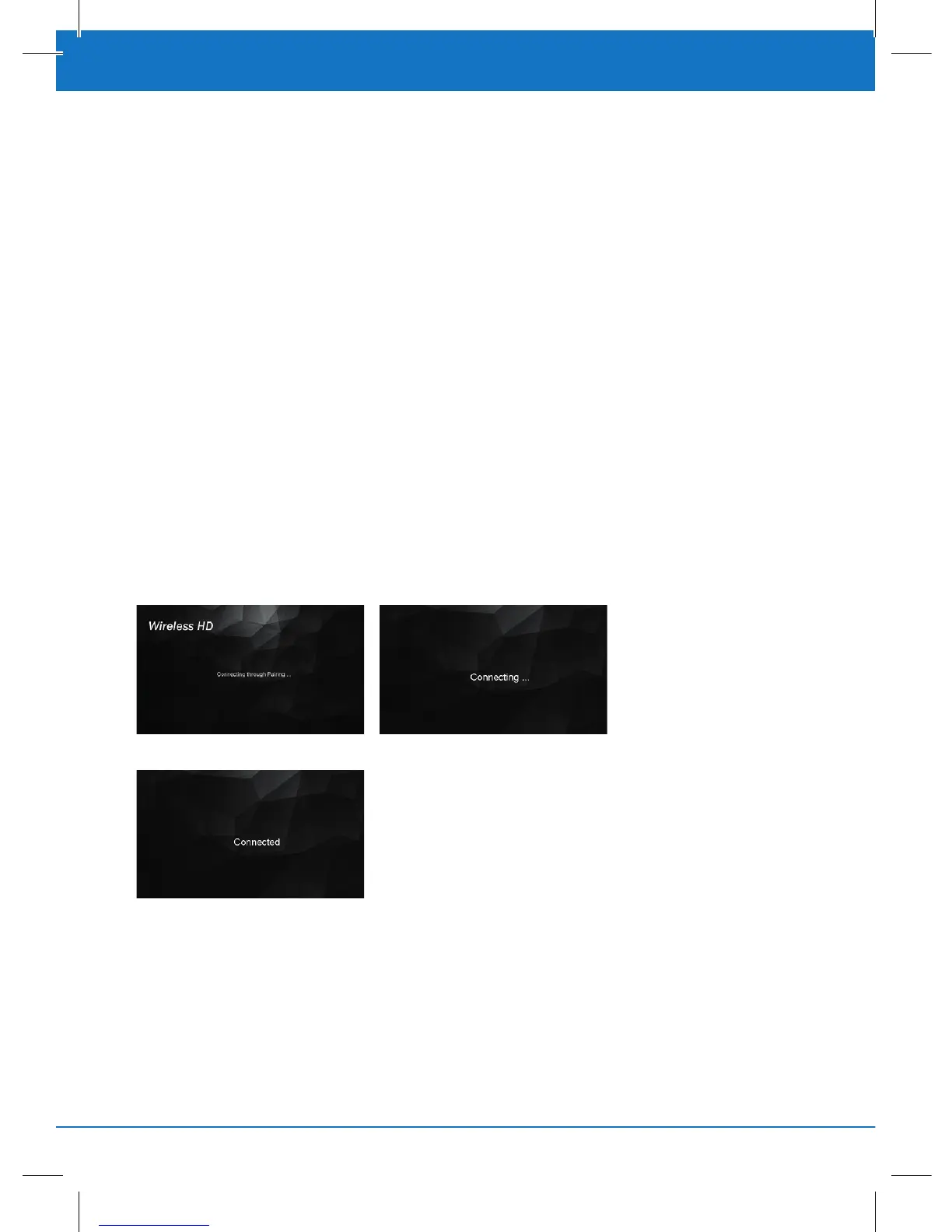
2.Youwillseeamessage“ConnectingthroughPairing...”onscreen.
3. Then press the “MODE” button on the transmitter‘s box.
4. Wait for a few seconds for auto connection.
C. IR Extending Function
1.MakesuretheIRemitterhasbeeninstalledproperlyonthetransmitter‘sbox.
2.MakesuretheIRreceiverhasbeeninstalledproperlyonthereceiver‘sbox.
3. Use the remote control of your source device to control the source form the receiver‘s box.
NOTE: Please do not cover CSW100 transmitter and receiver with any object! Those objects can
block the air circulation and cause serious defects and injuries. The warranty will also be void.


 To Next Page