10
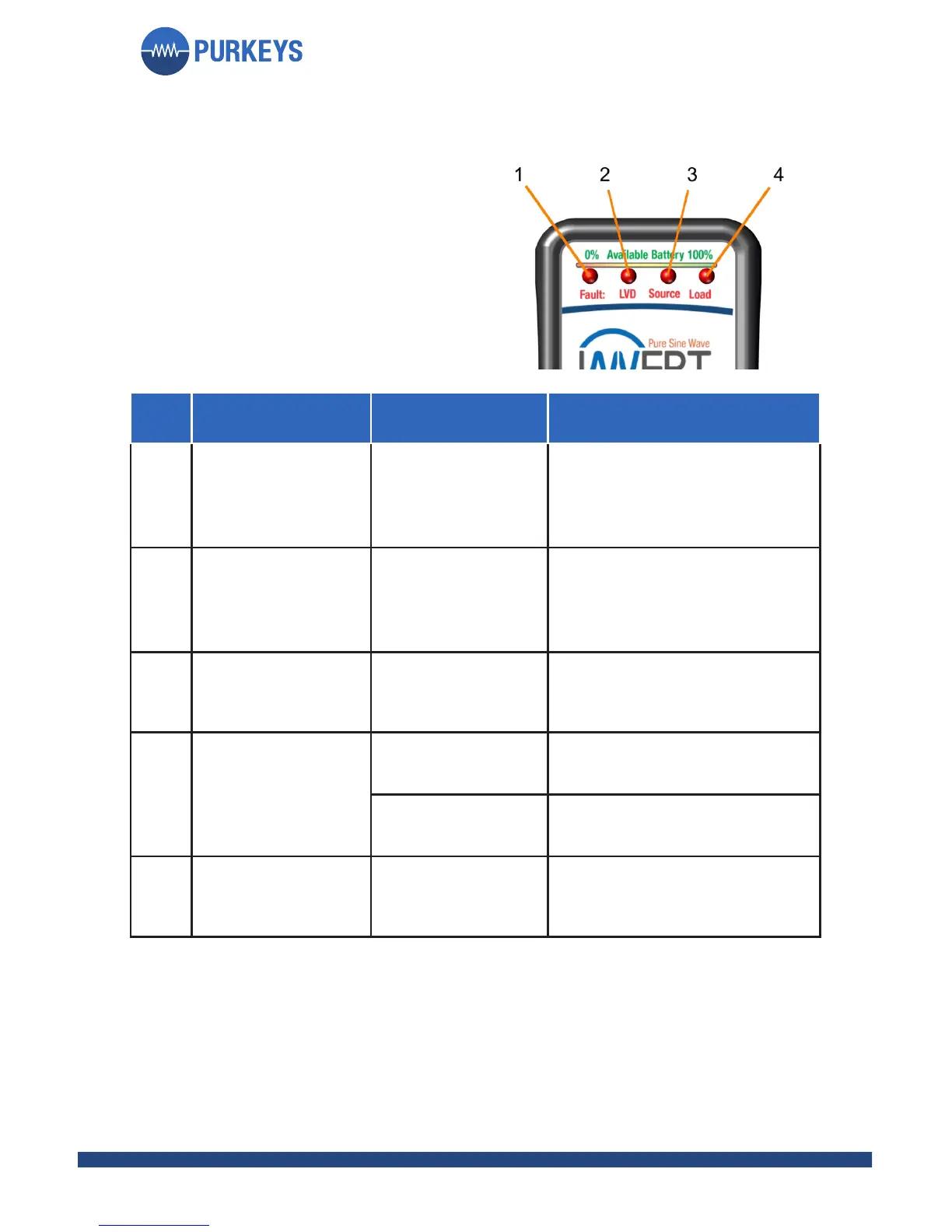
LED LED STATUS FAULT SOLUTION
1 Blinking red
Communication
fault
Check cable connection
at inverter and controller.
Check cable for opens or
shorts, replace if necessary.
2 Blinking red
Low Voltage
Disconnect
Battery is low, inverter shut
o to protect batteries. Turn
o inverter, start engine to
charge battery.
1, 2
Blinking red Fault
LED, solid red
LED 2
Undervoltage
fault
Voltage to inverter is below
9.5 V, turn inverter o, then
back on.
1, 3
Blinking red Fault
LED, solid red
LED 3
Overvoltage fault
Turn o inverter, correct
overvoltage.
Over-temperature
fault
Turn inverter o and let it
cool down.
1, 4
Blinking red Fault
LED, solid red
LED 4
Overload fault
Turn o inverter, turn o
some of the loads being
used.
FAULT
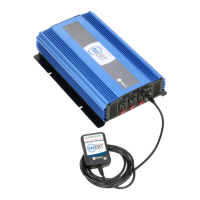
e Invert controller also indicates
if there is an issue with the inverter.
If the green lights turn red, they are
indicating a fault.


 To Next Page