OPERATION
Cooling mode
• Press the MODE button (or Cool button) to choose Cool mode, the LCD will display .
• Press UP or DOWN button to set room temperature between 17° to 30°.
• Press SPEED button (or Low/Mid/High button) to select low, middle or high fan speed. The LCD will
display
, , or accordingly.
• Press Swing button to make the louvres swing (use remote control only). The LCD will display
.
Dehumidifying mode
• Press MODE button (or Dry button) to choose Dry mode, the LCD will display .
• Dry mode fan speed is preset. Changing the fan speed is not available. The temperature can’t be set
either.
• Press Swing button to make the fins swing (use remote control only). The LCD will display
.
• Do not use air outlet duct.
• Dry mode will not cool the room.
Fan mode
• Press MODE button (or Fan button) to choose Fan mode, the LCD will display .
• Select the fan speed by pressing the SPEED button or (High/Mid/Low) button directly.
• Press the Swing button to make the louvres swing (use remote control only). The LCD will display
.
• The temperature cannot be set.
• Do not use the air outlet duct.
Timer-on
• When the appliance is switched off, press the Timer button to set timer-on. Press Up or Down button
to adjust time from 30 minutes to 24 hours. The Timer on indicator will light up.
Timer-off
• When the appliance is operating, press Time Off button to set timer-off. Press Up or Down button to
adjust time from 30 minutes to 24 hours. The Timer off indicator will light up.
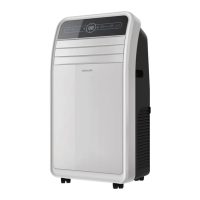
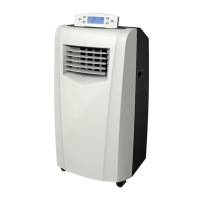
Note: All functions are available with the remote control and the control panel. The Swing function can only be
operated from the remote control.


 To Next Page