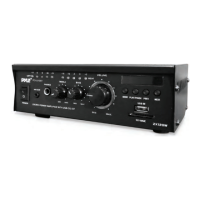
MainChannelPowerOutput
Technical
※ Specificationssubjecttochangewithoutpriornotice
THD(1KHz)
<1%
<1%
<1%
+2dB
InputSensitivityImpedance
SignaltoNoiseRatio
FrequencyRange
Dimension
-
483(W)X300(D)X80(H)mm
NormalLoadImpedance
8Ohm 8Ohm 8Ohm
CD/DVDAUX
400mV/33kOhm
Microphone
6mV/600Ohm
PureAmplifier
76dB76dB76dB
KARAOKE 71dB71dB71dB
FrequencyResponse(40Hz-15KHz)
ToneCharacteristic(100Hz-10KHz)
PowerRequirements
AC~110V/60HzAC~220V50Hz
Weight
PMPO,8Ohms,1KHztest
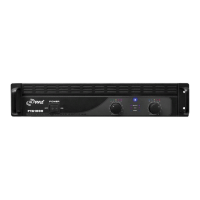
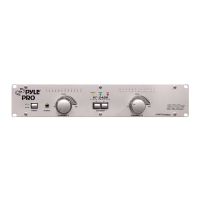
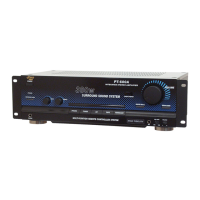
P-1001AT P-2001AT P-3001AT
1000WX2 2000WX2 3000WX2
400mV/33kOhm
6mV/600Ohm
400mV/33kOhm
6mV/600Ohm
+2dB +2dB
-
-
+14dB
-
+14dB +14dB
6.5kg6kg 7.2kg
-
-
3
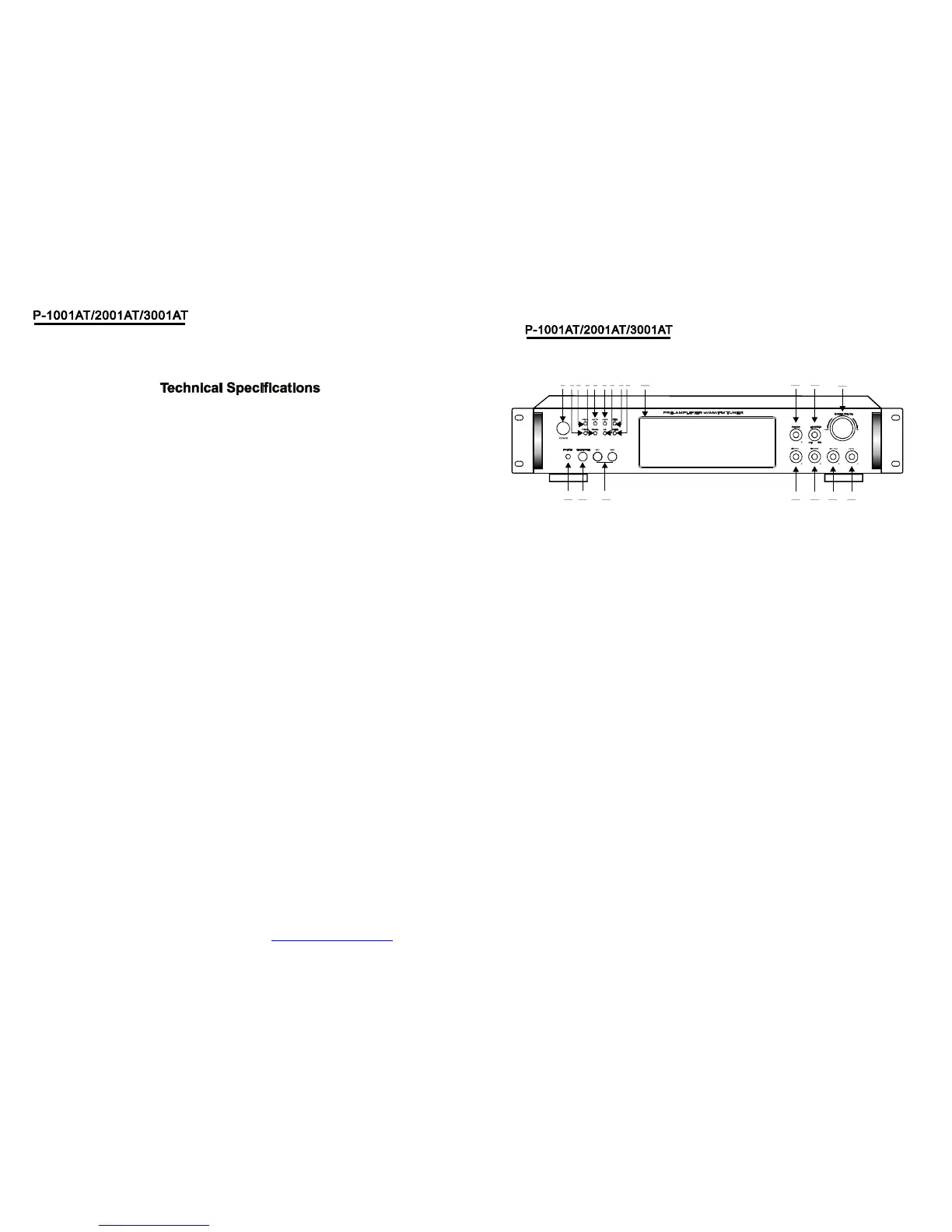
(1)POWERSWITCH
PresstoswitchthepowerunitONorOFF.
(6)AM/FMSELECTOR
(11)SUB.OUTVOLUMECONTROL
(10)FUNCTIONDISPLAYEDFLUORESCENT
WINDOW
(13)MASTERVOLUMECONTROL
Adjuststhevolumelevel.Turntheknob.
Clockwisetoincreasethevolume.
Adjuststhebluelightsandbluerings.
(14)ECHOCONTROL
TurntheknobtoadjusttheMICecho
level.
(15)MICTREBLE
AdjuststhetrebleofMIC.
(16)MICBASS
AdjuststhebassofMIC.
(17)MICVOLUME
Adjuststhevolumelevel.Turntheknob
clockwisetoincreasetheMICvolume.
(18)MICINPUTJACKS1&2
KARAOKEMICconnecttothesejacks.
(8)MENUCONTROL
Thisisusedtoincrementanddecrement
levelfortheselectedfunctionofMaster
Volume,Bass,Treble,BalanceAuto
stationseek.
,
(2)TUNING-
Radiotuningbutton.Decrementstheradio
frequency.
(3)PREV<
Thisknobisusedtoselectthepreview
stationwhichhavebeenkeptinsystem.
Thisknobisusedtoselectthenextstation
whichhavebeenkeptinsystem.
(4)TUNING+
Radiotuningbutton.Incrementstheradio
frequency.
(5)NEXT>
(7)A/BSPEAKERSOUTPUTSELECTOR
ThreemodeABA+B
:、、
(9)INPUT
Thisisusedtoselecttheinputsources:
DVD/CDTUNERIPOD/MP3AUX
、、、
(12)LEDDIMMER
(19)HEADPHONEJACKS
(20)IPOD/MP3JACKS
Headphoneconnecttothesejacks.
IPOD/MP3connecttothesejacks.
1
2 3 4 10
11
12
17 16 15 14
13
5 6
7
8 9
181920
4
PDF created with pdfFactory trial version www.pdffactory.com


 To Next Page