Need help?
Do you have a question about the Pyle PLCMTR71 and is the answer not in the manual?
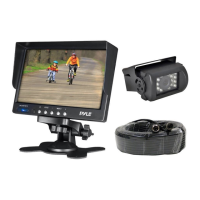
Connect the camera's 4-pin cable to the extension cable and monitor using the included wiring harness.
Illustrates various mounting positions for the camera system on different vehicles.
Details the function of Red (Power), Black (GND), and Green (+12V Reverse) wires for system operation.
Explains monitor controls for picture settings and notes about specific features like volume.
Identifies buttons for Power, Channel selection (V1/V2), Menu, and adjustments.
Provides visual instructions for attaching and adjusting the monitor's stand.
Step-by-step guide for securing the monitor stand and adjusting the display position.
Detailed specs for the camera and monitor, including what's in the box and safety precautions.
 General
| Brand | Pyle |
|---|---|
| Model | PLCMTR71 |
| Category | Security Camera |
| Language | English |

 To Next Page