Need help?
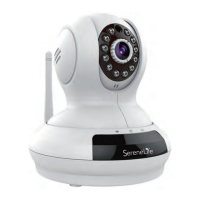
Do you have a question about the Pyle SereneLife and is the answer not in the manual?
Create a unique username for accessing cameras via the app.
Connect the camera using an Ethernet cable for a stable connection.
Set up the camera to connect wirelessly to your network.
Configure motion detection and notification preferences.
Utilize an SD card for flexible video storage options.
Use cloud storage for remote access and enhanced data security.
Configure I/O alarm, snapshots, and video recording upon motion detection.
 General
| Brand | Pyle |
|---|---|
| Model | SereneLife |
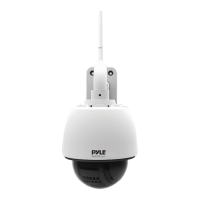
| Category | Security Camera |
| Language | English |

 To Next Page