Web Access:
After setting up your camera on the mobile phone - you can use your account
username and password to access the cameras from any device with an internet
browser
Log on to the website:
http://cloud.serenelifehome.com/
Passwords
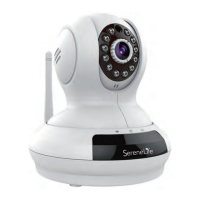
Should you happen to forget a camera's individual password you can reset it by
performing a hardware reset. Just use a pin to press and hold the reset switch for
12 - 15 seconds. The camera will reboot and run through pan and tilt.
If you forget your account password you will need to register a new account and
pair the cameras again.
Accounts are never associated with an email address for password recovery
5


 To Next Page