Replacement
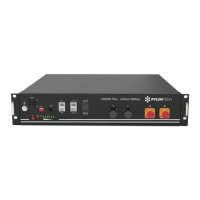
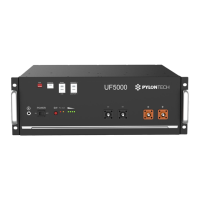
2) Replace BMS:
- Dismantle D+ and D- Power Cable, Communication Cable and Grounding Cable.
- Dismantle the BMS`s fix screw of left and right side. And dismantle the fix metal brackets.
- Remove the BMS, be careful there still has DC voltage on the front connector.
- Mount up the new BMS, fix back the brackets and screws.
- Double check the installation, then connect back the power and communication cable.
- Restart the BMS, make a fully charge for SOC calibration.
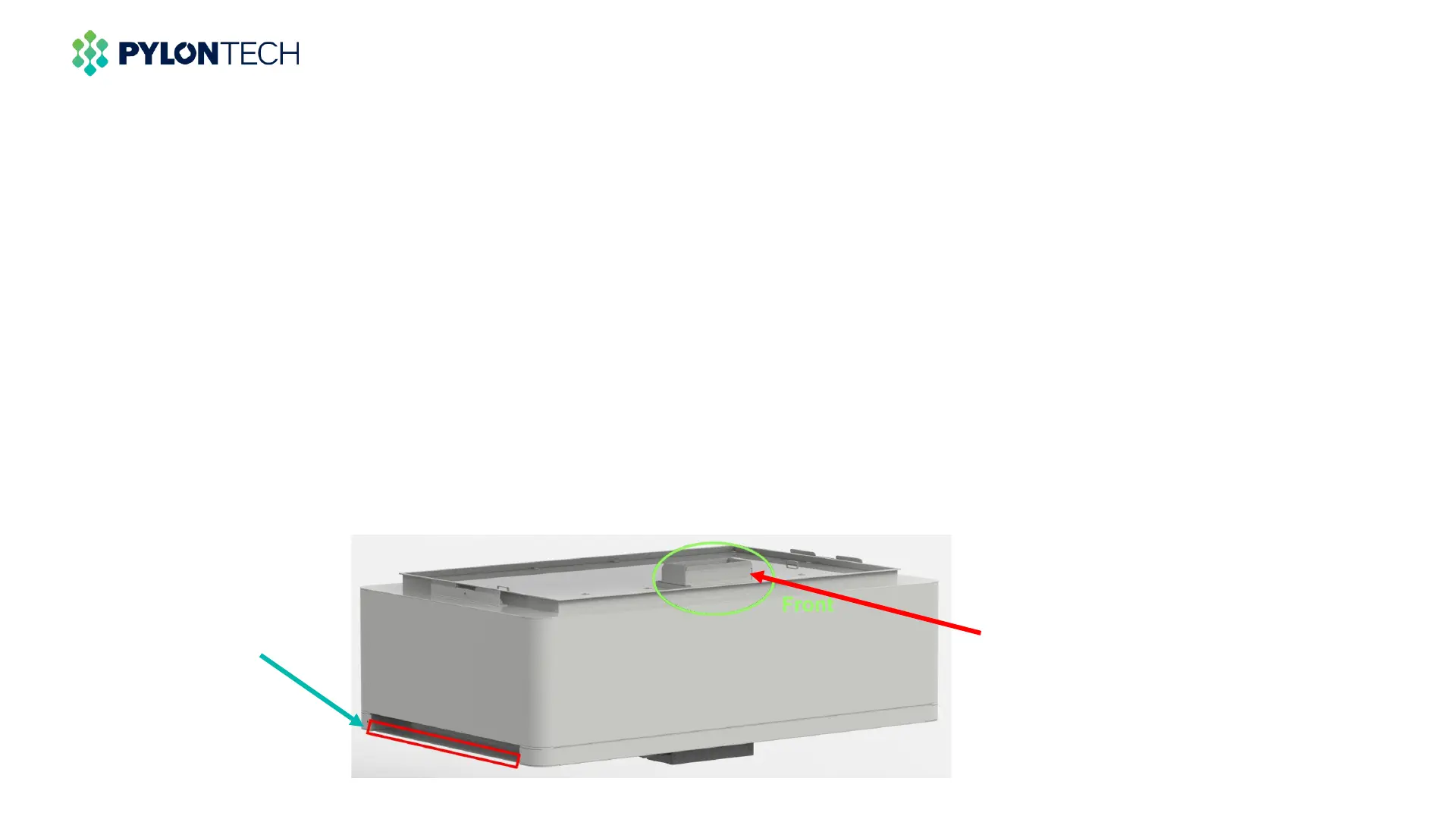
DON`T touch hereHandle from here



 To Next Page