2.3
Equipment Interface Instruction
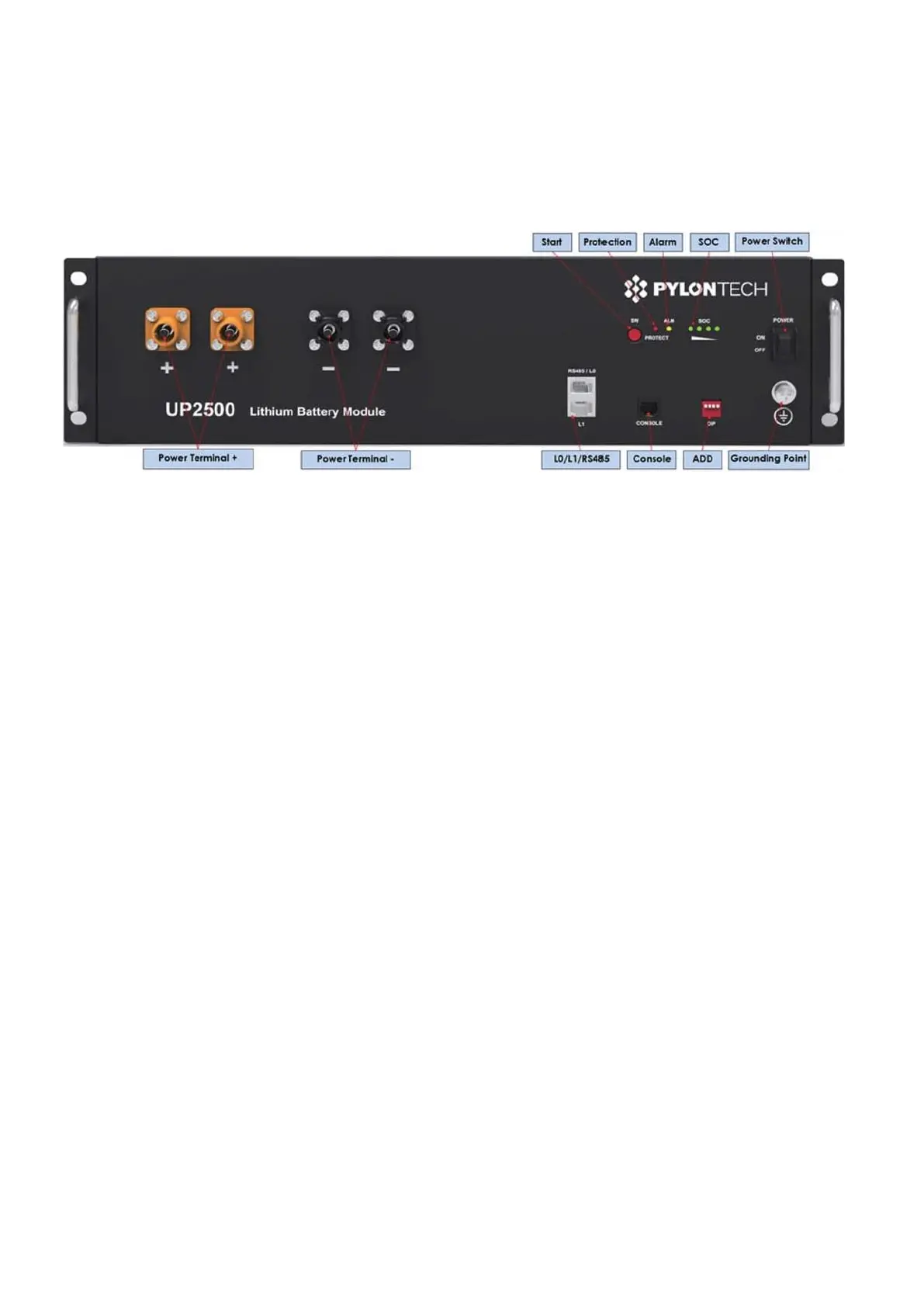
This section details the front panel of the interface functions.
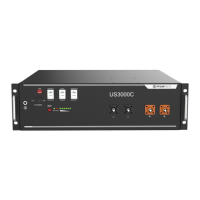
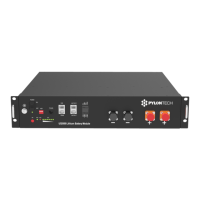
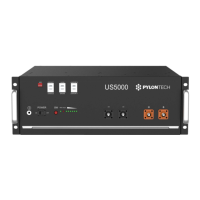
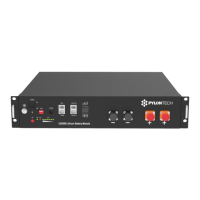
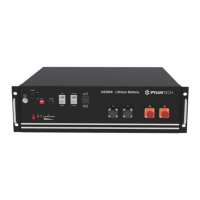
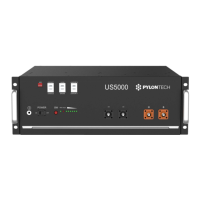
UP2500 Product Front Interface
Power Switch
Power Switch: to turn ON/ OFF ON: the battery standby, no power output.
soc
SOC light: 4 green LED to show the battery's current capacity.
Alarm
Alarm light: Y ELLOW LED falshing or lighting to show the battery has alarm. Combine with SOC
LEDs to show which kind of alarm. Please check table ' LED Instructions'
Protection
Protection light: RED LED to show the battery is under BMS protection.Combine with SOC LEDs
to show which kind of protection. Please check table ' LED Instructions'



 To Next Page