AUTO TOTALING TIME CLOCK INSTRUCTIONS
Model 4000Pro/5000
+
/5000
+
HD
SET EVENT
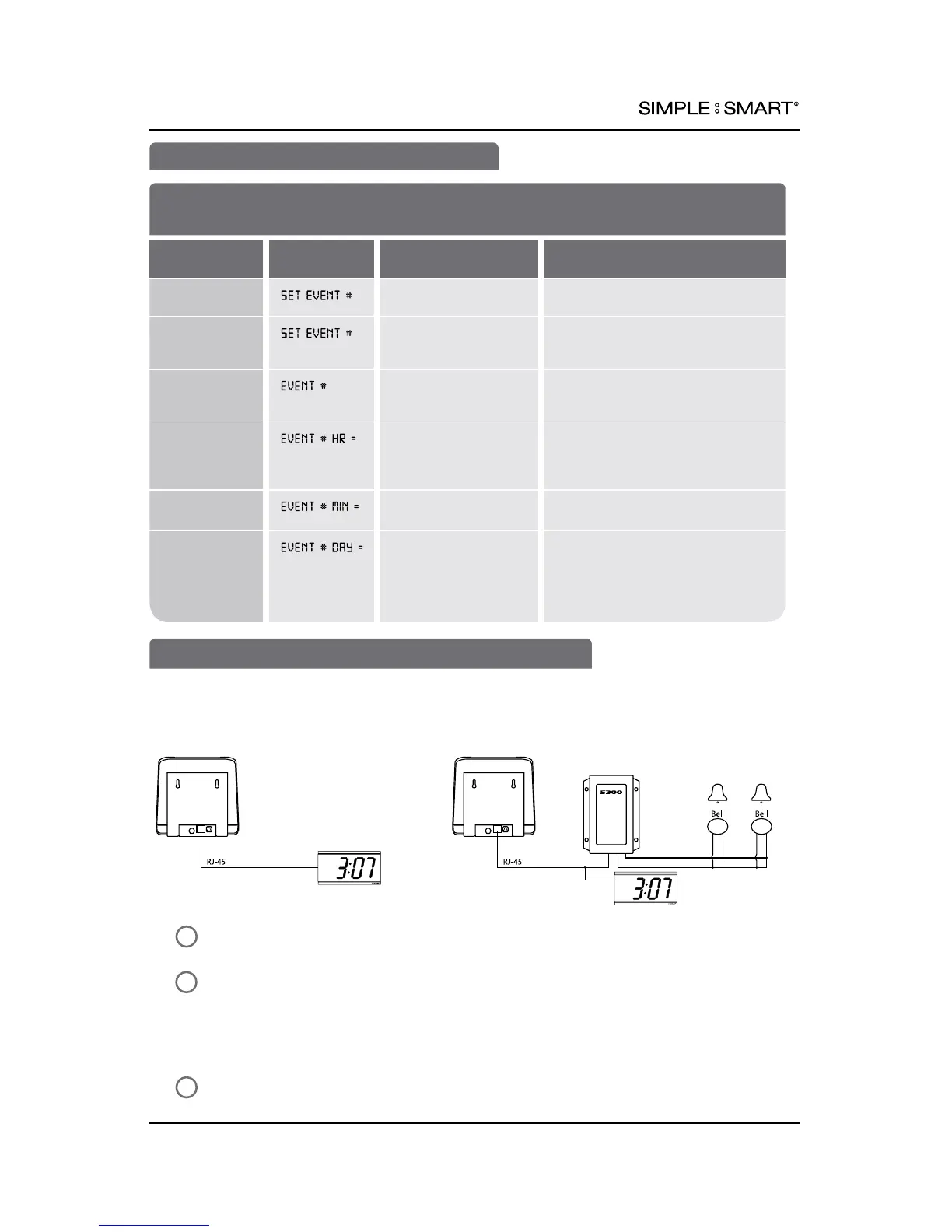
CONNECTING BELL AND/OR EXTERNAL CLOCKS
1
2
3
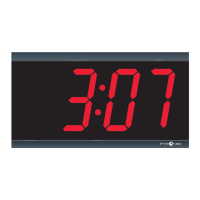
The time clock is able to send time signal to TimeTrax™ Sync 5200N Analog Clock or DIG4B
Digital Clock. TimeTrax™ Sync wall clocks can be used alone, or in conjunction with
TimeTrax™ Sync 5300 Bell Ringer.
Connector
Locate RJ-45 jack at back (4000Pro/5000+) or side (5000+HD) of time clock &
connect cable (sold separately).
Connect other end of cable to Pyramid 5200N Analog Clock(s) and/or Digital
Clocks (DIG4B, 41357G) (diagram A). If using TTSync 5300 Bell Ringer and Clocks,
connect RJ-45 cable to T-Connector (part #41270 sold separately) and connect
to bell transformer and clock (diagram B). Follow Bell Ringer steps 3-5 on
previous page.
Plug wall clock into AC wall outlet.
MENU
:
SET EVENT
st
SCHEDULE AN EVENT (e.g. Ring Internal Buzzer/External Bells)
FEATURE
(SELECT)
DISPLAY
DEFAULT SETTING
OPTIONS (SCROLL st)
Set Event
Schedule
NO
Scroll s(UP) or t(DOWN) to
schedule event
Assign the
Event a
Number (1-50)
SET EVENT
(e.g.1, 2, 3 ... 50)
Set the
Event’s
Duration
OFF OFF, .5 SEC, 1-15 SEC (determines
length of time buzzer/bell sounds)
Set the
Event’s Hour
12 HR: 12AM
24 HR: 00
EVENT HOUR +/– One Hour
12 HR: 12AM-11PM
24 HR: 00-23
Set the
Event’s Minute
00 EVENT MINUTE +/– One Minute
(e.g. 00, 17, 59)
Set the
Event’s Day
ALL One day event: SUN, MON, TUE, WED,
THU, FRI, SAT
All week event, SUN-SAT: ALL
Monday thru Friday Event: M-F
11pyramidtimesystems.com BUZZERS, BELLS & WALL CLOCKS



 To Next Page