AUTO TOTALING TIME CLOCK INSTRUCTIONS
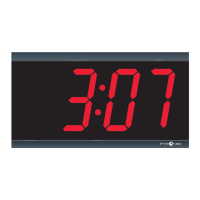
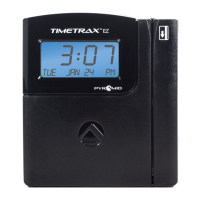
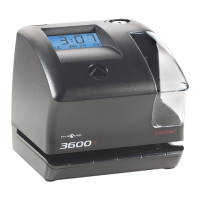
Model 4000Pro/5000
+
/5000
+
HD
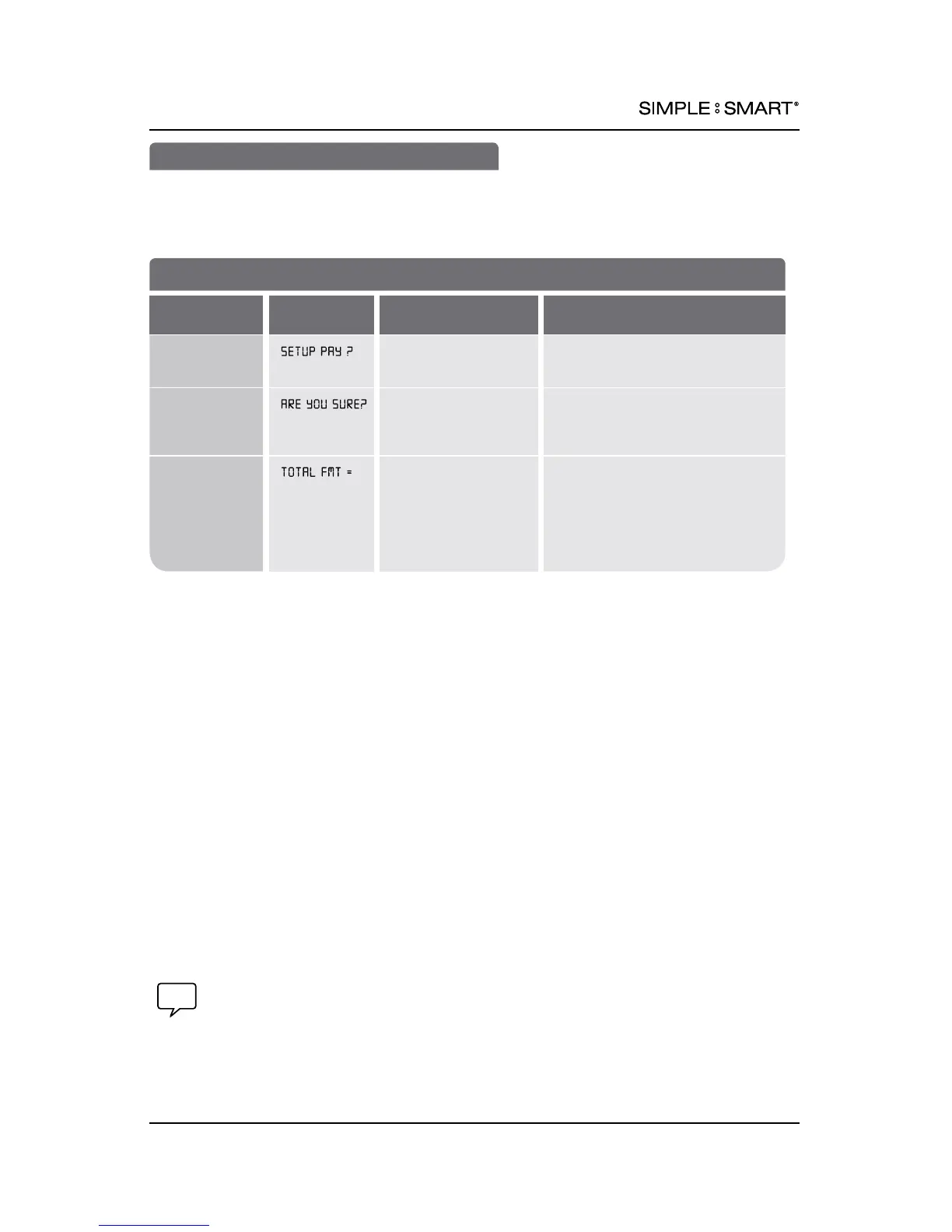
SET UP PAY
Pyramid’s Auto Totaling Time Clocks record & summarize payroll information for up to
100 employees on a weekly, every 2 weeks, semi-monthly, or monthly basis. Use the
SETUP PAY? Feature to select desired pay period.
MENU
:
SETUP PAY?
st
Set How Time Clock Calculates Totals
FEATURE
(SELECT)
DISPLAY
DEFAULT SETTING
OPTIONS (SCROLL st)
Set Custom
Totaling
Settings
NO YES/NO: Select YES to set up pay
period options
1
Are you sure
you want to
clear stored
data/totals?
NO YES/NO: Select YES to continue
setting up pay period options
1
Set printed
format for
payable time
HR:MIN HR:MIN: Std. hours & minutes
format (e.g. 8 hours, 30 minutes
printed as 8:30)
HR.HUN: Std. hours with minutes
as hundredths of one hour (e.g.
8 hours, 30 minutes printed as 8.50)
(continued on next page)
1
IMPORTANT:
SELECTING YES IN SETUP PAY? MENU AFTER INITIAL SETUP WILL ERASE ALL STORED
DATA & NEW TIME CARDS MUST BE ISSUED. However, you may change all other
features (language, date format, year, month, date, DST, etc.) without effecting time
totals, even while a user is clocked IN.
6 SET UP PAY 888.479.7264



 To Next Page