6
OPERATING PROCEDURES
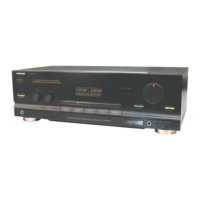
Before starting operation
Check that the controls have been set to the following positions before commencing operation
Rotate the VOLUME control counterclockwise as far
as it will go and set it at the “0” minimum volume
position.
Set the BASS and TREBLE tone controls to the “0”
(center) position.
Set the processor switch so that the indicator is off.
After these checks, press the POWER switch to turn on
the power.
If you find a remote standby indicator is lighted, the power
amplifier is in remote standby mode.
(a) Press the power switch off and press it once again after
the remote standby indicator is off.
(b) Using the remote control to switch on the power.
Playing a program source
1.Press the desired input selector button to select the
program source which you wish to listen to.
To listen to radio broadcast: Press the TUNER button.
To listen to a compact disc: Press the CD button.
To listen to a component connected to AV terminals: Press
the AV1/AV2 button.
Note: Press once for AV1, press again for AV2.
To listen to a tape: Press the TAPE button
To listen to a component connected to the AUX terminal:
Press the AUX button.
EQ TAPE TUNER
AUX PLAY R E C
TAPE
PLAY R EC
EQ
CD
L
R
REMOTE SYSTEM
AUDIO
RIGHT LEFT
_
L
_
INTEGRATED CIRCUIT
AC 220V~50Hz/110V~60Hz
RIGHT LEFT
VO LT AG E S E LEC T OR
220~230V
50Hz
110~120V
60Hz
TUNER CD
AV1 AV2
L
R
SPEAKERS6~8
Ω
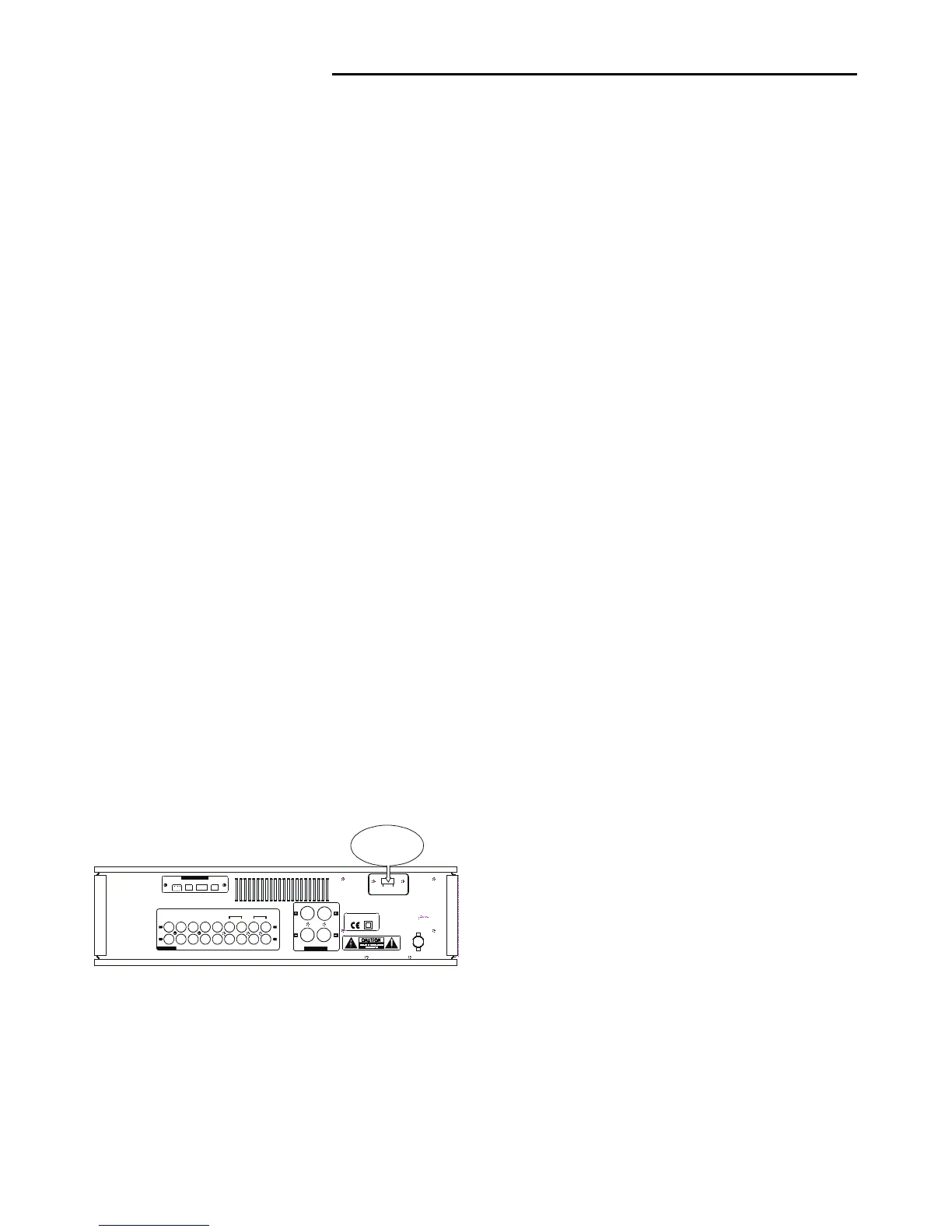
VOLTAGE SELECTOR
Use this switch to
select the proper
Voltage for your region
2.Operate the program source unit.
3.Gradually turn the VOLUME control clockwise until the
desired volume level is obtained.
4.To adjust the tone quality, adjust the BASS and TREBLE
control.
* When you wish to use headphones, insert the plug of the
headphones into the PHONES jack.
RECORDING TAPE
A record, compact disc, broadcast of the program source of
a component connected to the line terminals can be
recorded by the tape deck connected to the TAPE recording
(REC) terminals.
1.Select the input selector switch corresponds to the
program source AUX, AV1/AV2, CD, TUNER that is to be
recorded.
2.Start playing the program source.
3.Operate the tape deck and press the “REC” key.
*The volume, Tone and other controls have no effect on
the recording level or sound quality of the signals being
recorded even they are operated.


 To Next Page