EasyManua.ls Logo

Pyramid Studio Pro PM-8501 - Page 12

Pyramid Studio Pro PM-8501
16 pages
Print Icon
To Next Page IconTo Next Page
To Previous Page IconTo Previous Page
Loading...
OPERATION
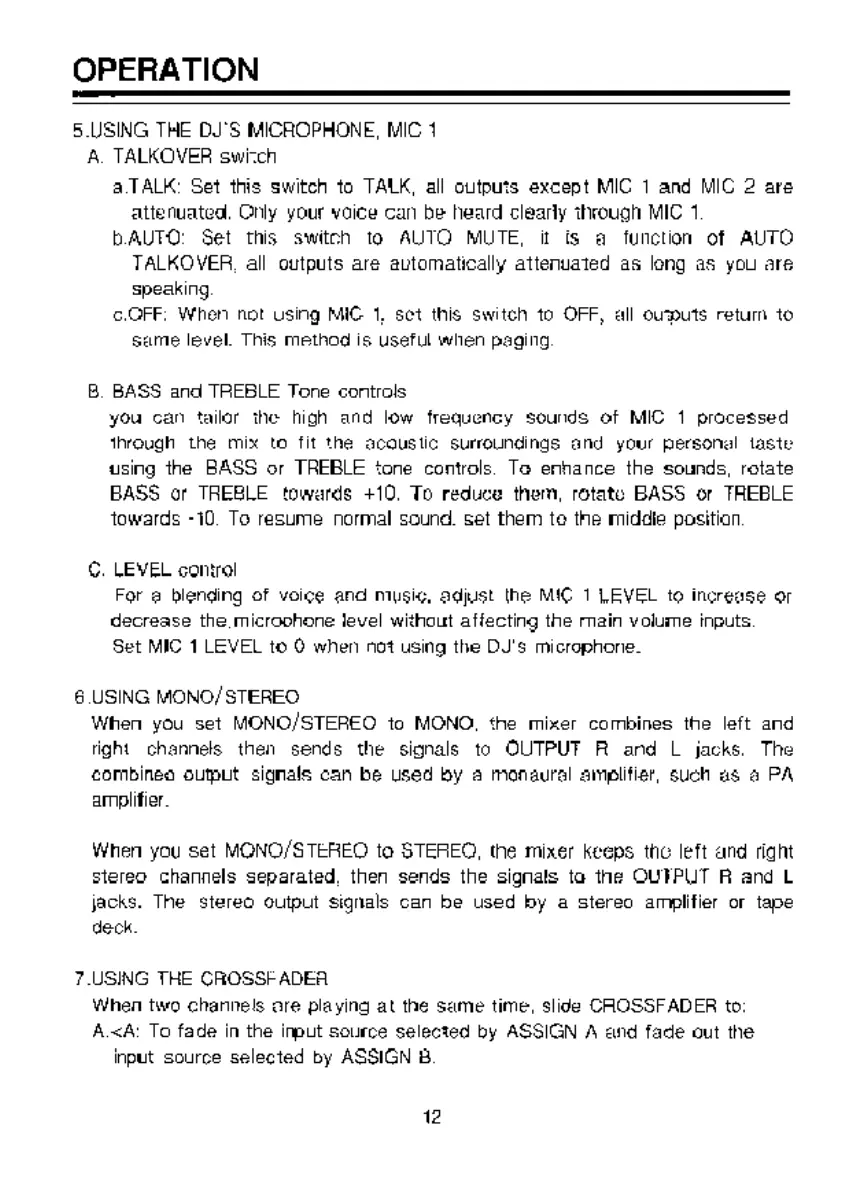
5.USING
THE
DJ'S
MICROPHONE,
МС
1
A.
TALKOVER
swizch
aTALK:
Set
this
switch
to
TALK,
all
outputs
except
MIC
1
and
MIC
2
аге
attenuated,
Orly
your
voice
can
be
heard
clearly
through
MIC
1
bAUTO:
Set
this
switch
to
AUTO
MUTE,
it
is
a
function
of
AUTO
TALKOVER,
all
outputs
are
automatically
attenuated
as
long
as
you
are
Speaking.
OFF:
When
not
using
MIG
1,
set
this
switch
10
OFF,
all
ouputs
retum
to
same
level.
This
method
is
useful
when
paging.
B.
BASS
and
TREBLE
Tone
controls
you
can
tailor
the
high
and
low
frequency
sounds
of
MIC
1
processed
through
the
mix
to
fit
the
acoustic
surroundings
and
your
personal
taste
using
the
BASS
or
TREBLE
tone
controls.
Te
enhance
the
sounds,
rotate
BASS
or
TREBLE
towards
+10,
To
reduce
them,
rotate
BASS
or
TREBLE
towards
-10.
To
resume
normal
sound.
set
them
to
the
middle
position.
©.
LEVEL
control
For
a
blending
of
voice
and
music,
adjust
the
MIC
1
LEVEL
to
increase
or
decrease
the
microohone
level
without
affecting
the
main
volume
inputs.
Set
MIC
1
LEVEL
to
0
when
not
using
the
DJ's
microphone.
8.USING
MONO/STEREO:
When
you
set
MONO/STEREO
to
MONO,
the
mixer
combines
the
left
and
right
channels
then
sends
the
signals
to
OUTPUT
А
and
L
jacks.
The
combineo
output
signals
can
be
used
by
a
monaural
amplifier,
such
as
а
PA
amplifier.
When
you
set
MONO/STEREO
to
STEREO,
the
mixer
keeps
the
left
and
right
stereo
channels
separated,
then
sends
the
signals
to
the
OUTPUT
R
and
L
jacks.
The
stereo
output
signals
can
be
used
by
a
stereo
amplifier
or
tape
deck.
7.USING
THE
CROSSF
ADEA
When
two
channels
are
playing
at
the
same
time,
slide
CHOSSFADER
to:
A.<A:
To
fade
in
the
input
source
selected
by
ASSIGN
A
and
fade
out
the
input
source
selected
by
ASSIGN
В
12

Related product manuals