Q5X USER MANUAL: QT-AD10 TRANSMITTER FAMILY JUNE 2020
___________________________________________________________________________________
___________________________________________________________________________________
For an updated copy of this document, visit www.Q5X.com/support 10 | Page
8.0 APPENDIX – DIAGRAMS & QUICK START GUIDES
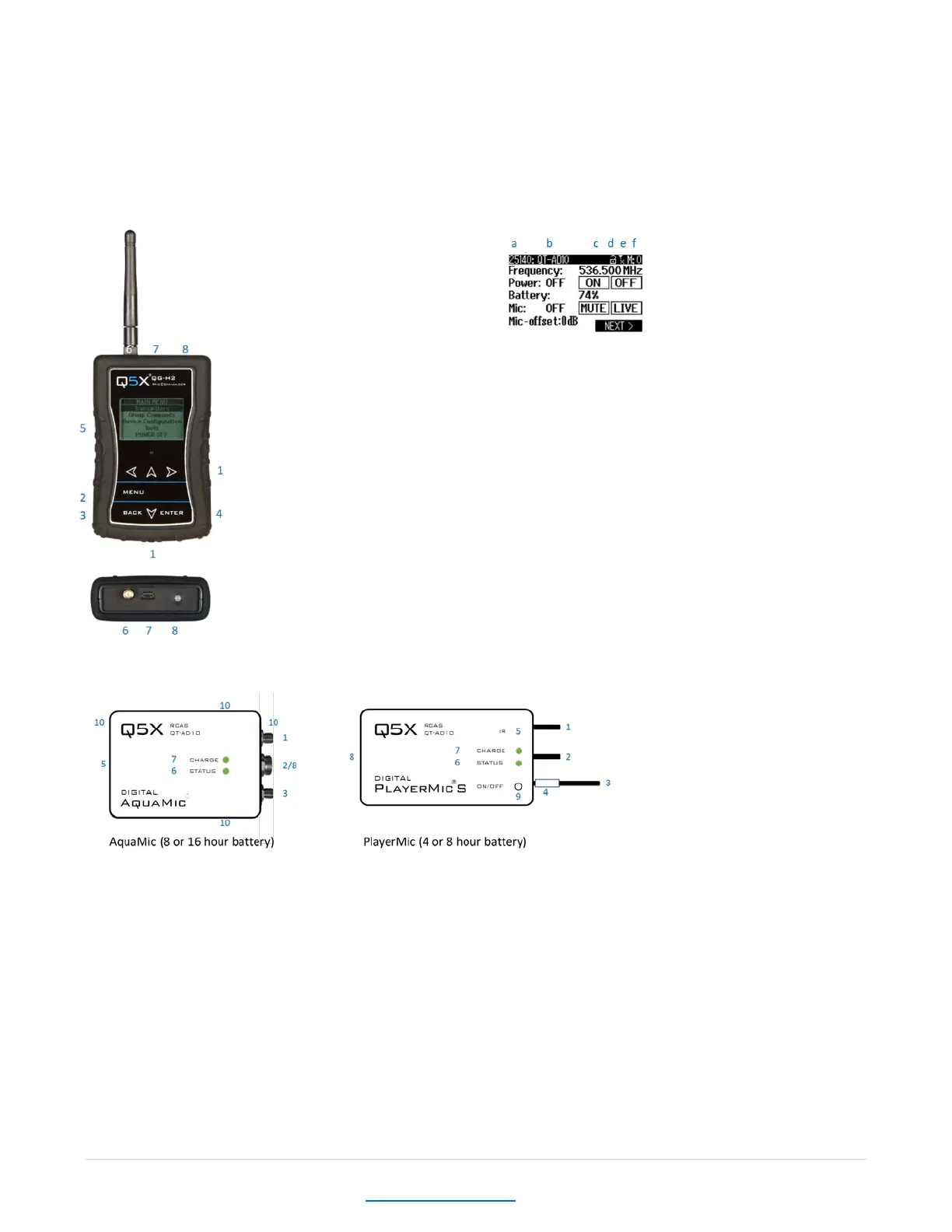
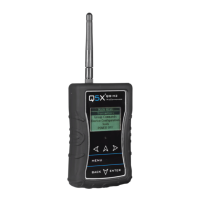
8.1 MICCOMMANDER DIAGRAMS
KEY:
1 Navigation arrows
2 MENU button – Open special menu when available
3 BACK button – Return to previous menu
4 ENTER button - Select item
5 LCD Display
6 2.4 GHz Antenna connector
7 Micro USB input
8 On/Off button, with LED heartbeat Indicator
a Transmitter Serial Number
b Transmitter Name
c Encryption
d Linking Status
e 2.4GHz RSSI
f Message que
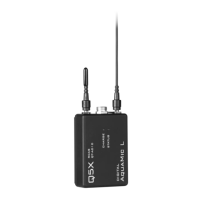
8.2 TRANSMITTER DIAGRAMS
Common features:
1 2.4 G antenna For the RCAS control channel.
2 Audio input Connects to a microphone with a special Lemo connector.
3 UHF antenna For RF signal transmission.
4 Serial number Unique serial number for RCAS identification and control on the antenna. (Back of the AquaMic.)
5 IR port Infrared sync with the receiver for set-up, initiating encryption and installing firmware updates.
6 Status LED See user manual for details on LED patterns and colours.
7 Charge LED Red = charging, green= charged and flashing red/green = error.
8 USB Port Charges the battery. (AquaMic charges through the same connector as the audio input.)
Unique features:
9. On/Off button Manual power control between on, standby and storage modes. (Not part of the AquaMics.)
10. Belt clip holes Allows vertical and horizontal placement. (Not part of the PlayerMics.)



 To Next Page