
 Need help?
Do you have a question about the QNAP QSW-M2108 Series and is the answer not in the manual?
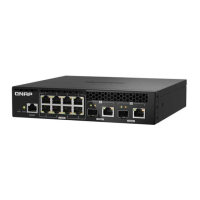
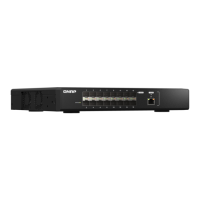
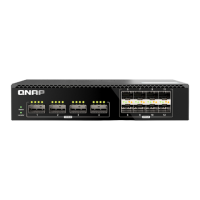
Details the various ports on the front of the QSW-M2108 series switches for connectivity.
Management port for connecting to the switch via a serial console cable.
Standard Ethernet ports supporting data transfer at 2.5 Gigabits per second.
High-speed ports for SFP+ modules, enabling 10 Gigabit per second network connections.
Versatile ports supporting either SFP+ modules or RJ45 connectors for 10Gbps connectivity.
Button to restore the switch to its factory default configuration.
Instructions for connecting the power adapter to the switch for operation.
Default login credentials and first-time password change recommendation for web interface access.
Indicates the switch's operational state, including booting, powered on, or powered off.
Displays link status (speed, activity) for the 2.5GbE RJ45 Ethernet ports.
Shows link status and activity for the 10GbE SFP+ ports.
Indicates link status and speed for the combo ports supporting SFP+ or RJ45 connections.











 To Next Page
 General