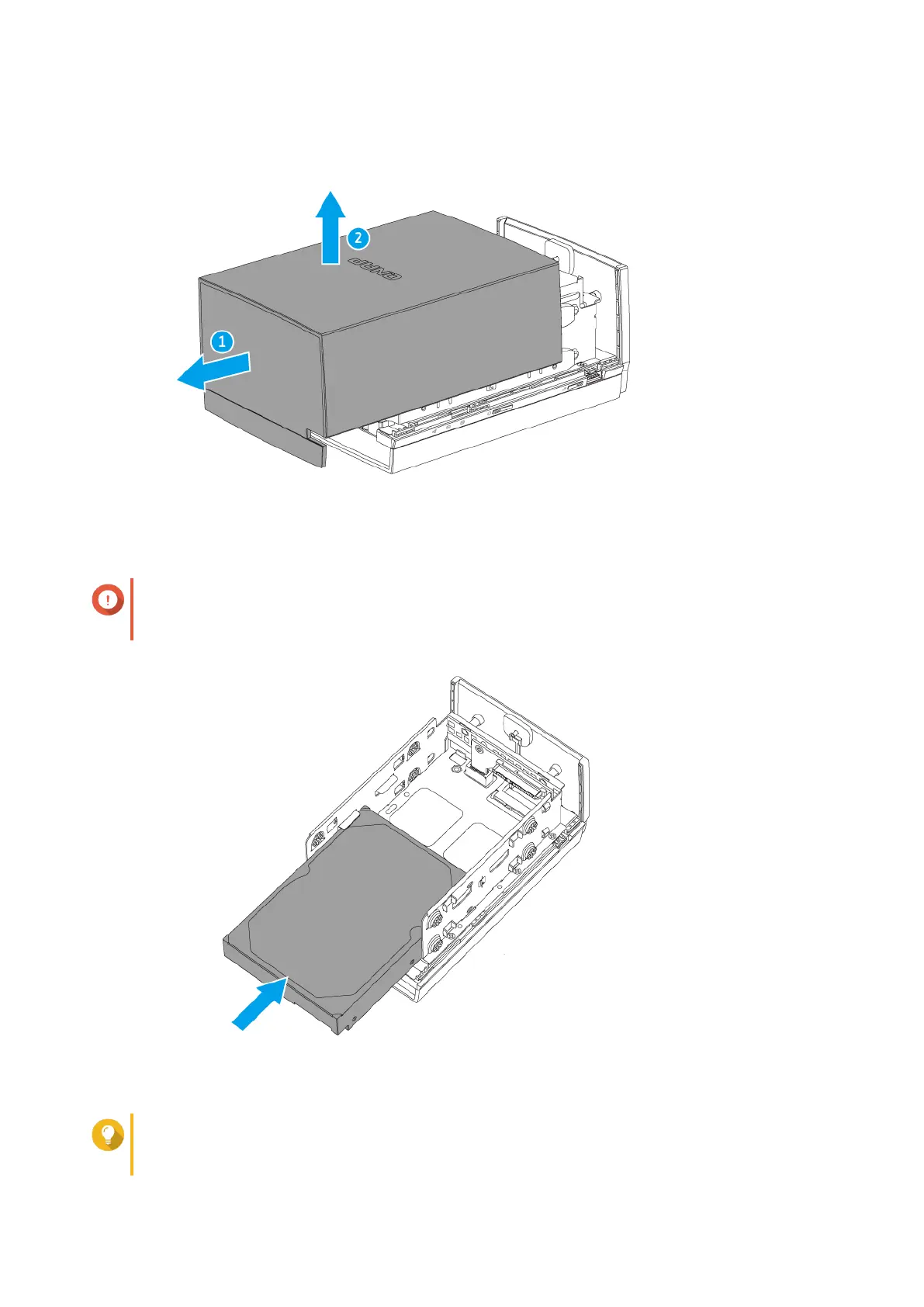
5. Slide the drive into the tray until it is fully connected to the SATA connector.
Important
When installing drives on the TS-228A, always start with slot 1.
For more details, see Front Drive Numbering.
6. Attach the fastening panels.
Tip
The fastening panels are not interchangeable. Check the labels on the panels and attach them
to the correct side.
TS-x28A User Guide
Installation and Configuration 8



 To Next Page
 Loading...