5.2 TS-879U-RP, TS-1279U-RP, TS-EC879U-RP, TS-EC1279U-RP
QNAP pro
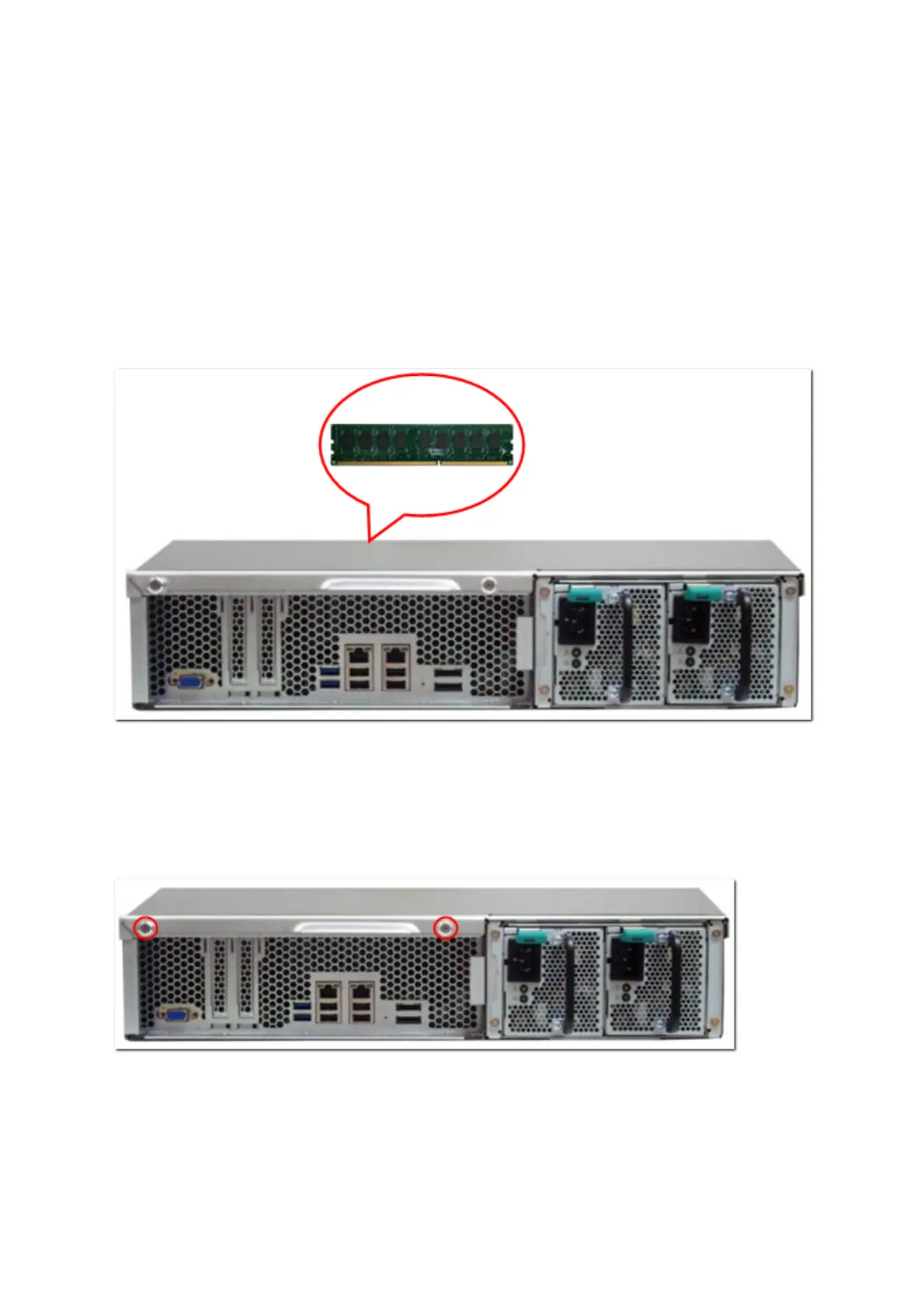
vides a 2GB DDR3* RAM module and a 4GB DDR3 ECC** RAM module (optional
purchase) for users to upgrade the memory of the NAS. Insert an extra RAM module on the
motherboard of the NAS to upgrade the memory. The total memory will be shown in
“System Information” of the administration page.
*Applied models: TS-879U-RP, TS-1279U-RP.
**Applied models: TS-EC879U-RP, TS-EC1279U-RP.
1. Loosen the 2 screws on the rear of the NAS as shown in the illustration.
27



 To Next Page
 Loading...



