118
5. Turn on the NAS.
Note: To replace a failed power supply unit, turn off the NAS. Then remove the failed unit
safely and repeat steps 3-5 above to install a new power supply unit.
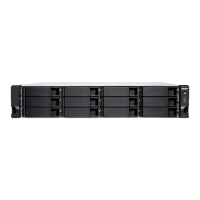
11.2 2U/3U Turbo NAS (TS-831XU-RP, TS-1231XU-RP, TS-853U-RP,
TS-1253U-RP only)
Note: The following instructions should only be performed by an authorized and trained
technician.
To replace a failed power supply unit, follow the steps below.
1. Turn off the NAS.
2. Hold the black handler and press and hold the green button firmly.
3. Unplug the failed power supply.



 To Next Page