Chapter 10. Install Power Supply Unit
* This section applies to rackmount NAS models only.
The power supply units of TS-809U-RP/859U-RP+/879U-RP/EC879U-RP should only be
replaced by an authorized and trained technician.
10.1 1U Turbo NAS
T
he following instructions should only be performed by an authorized and trained
technician.
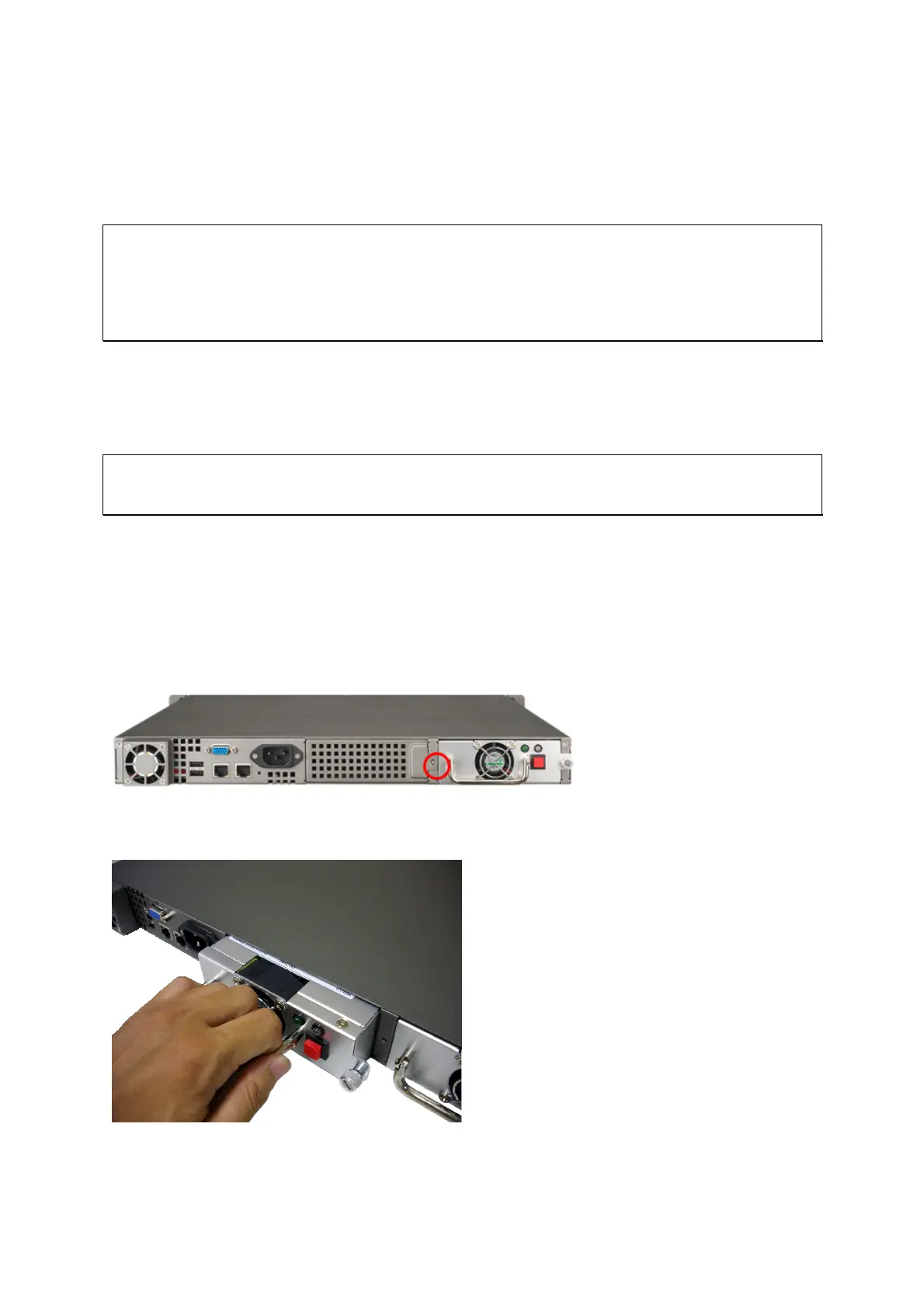
To install a redundant power supply unit to the 1U Turbo NAS, follow the steps below.
1. Turn off the NAS.
2. Remove the screw and dummy plate.
3. Insert the power supply unit and push it to the end.
50



 To Next Page