43
Chapter 6. Network Expansion Card Installation
Warning:
The following instructions should only be performed by an authorized and trained
technician.
Strictly adhere to the instructions to install a network expansion card on the NAS.
Failure to do so could result in injury to human body or death.
Some NAS models provide expansion slots for network expansion. Insert an extra network
expansion card (optional purchase) to the motherboard of the NAS to increase the network
bandwidth. Please refer to the compatibility list at: http://qnap.com/compatibility
6.1 TVS-463, TS-531P, TVS-663, TVS-863, TS-563, TS-879 Pro, TS-1079 Pro,
TS-463U, TS-463U-RP
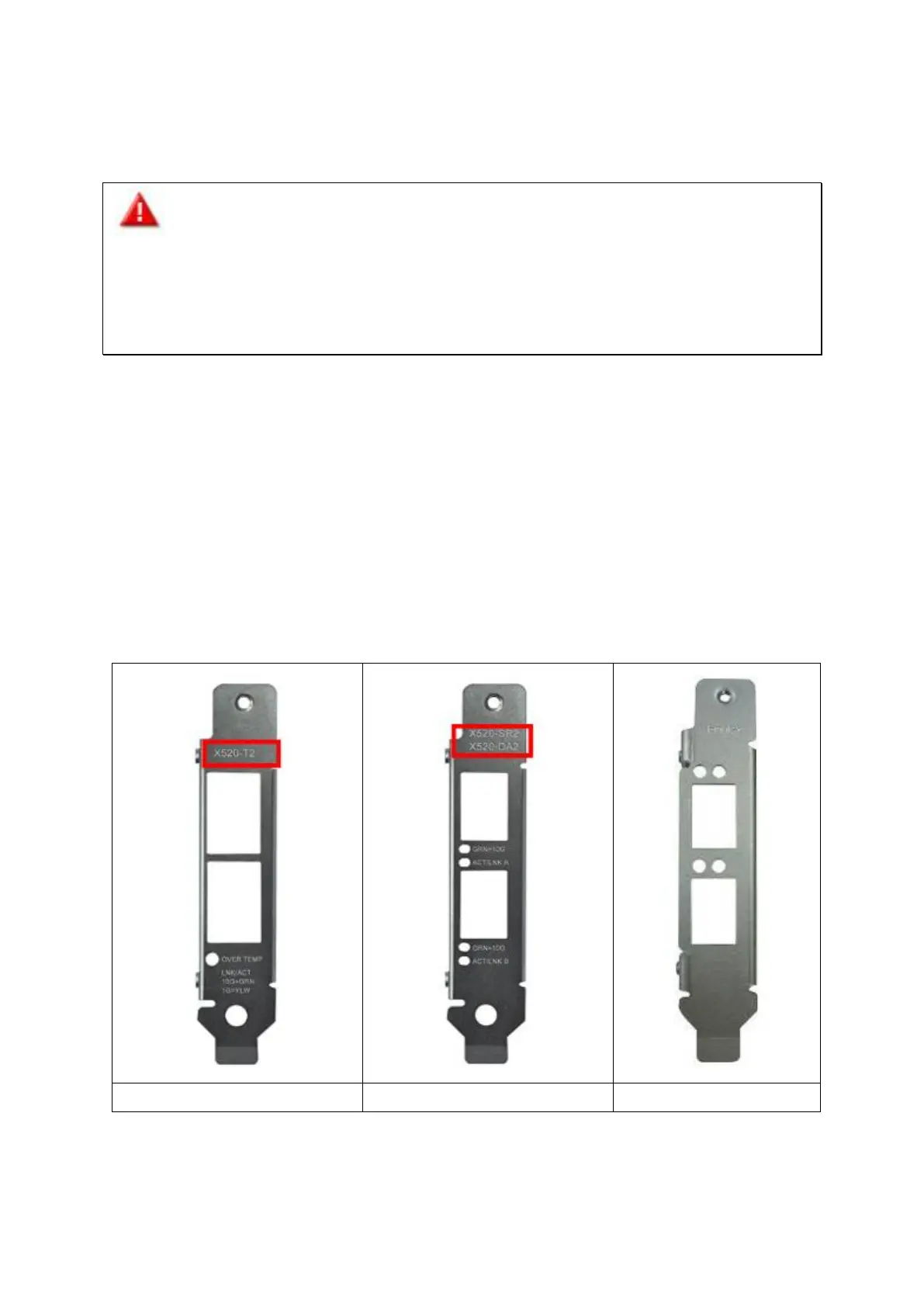
Please refer the compatibility table below and replace a proper bracket for the network
expansion card.



 To Next Page
 Loading...