39
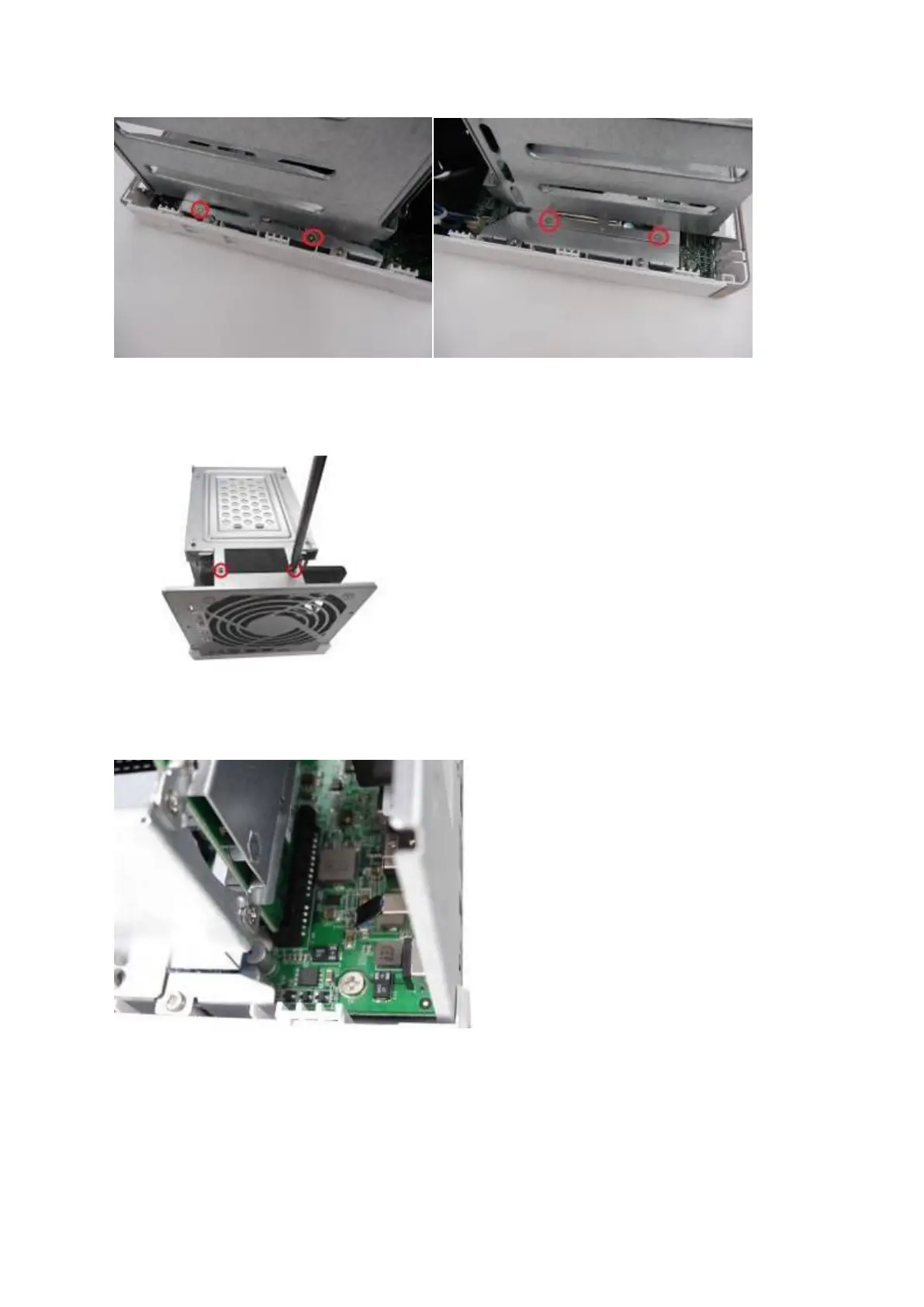
4. If it is a 4-bay NAS, you will also need to remove two screws on the top of the hard drive
cage.
5. Gently remove the hard drive cage from the NAS by lifting it out of its slot.
6. Always ensure that a memory module is installed in the Primary slot (red). If
not, then the system will fail to start. When installing two memory modules, please
ensure that they are the same size and ideally use the same type of RAM for both
memory slots. The maximum supported memory is 8GB combined.



 To Next Page