10
SYSTEM OPERATIONS
Switching on
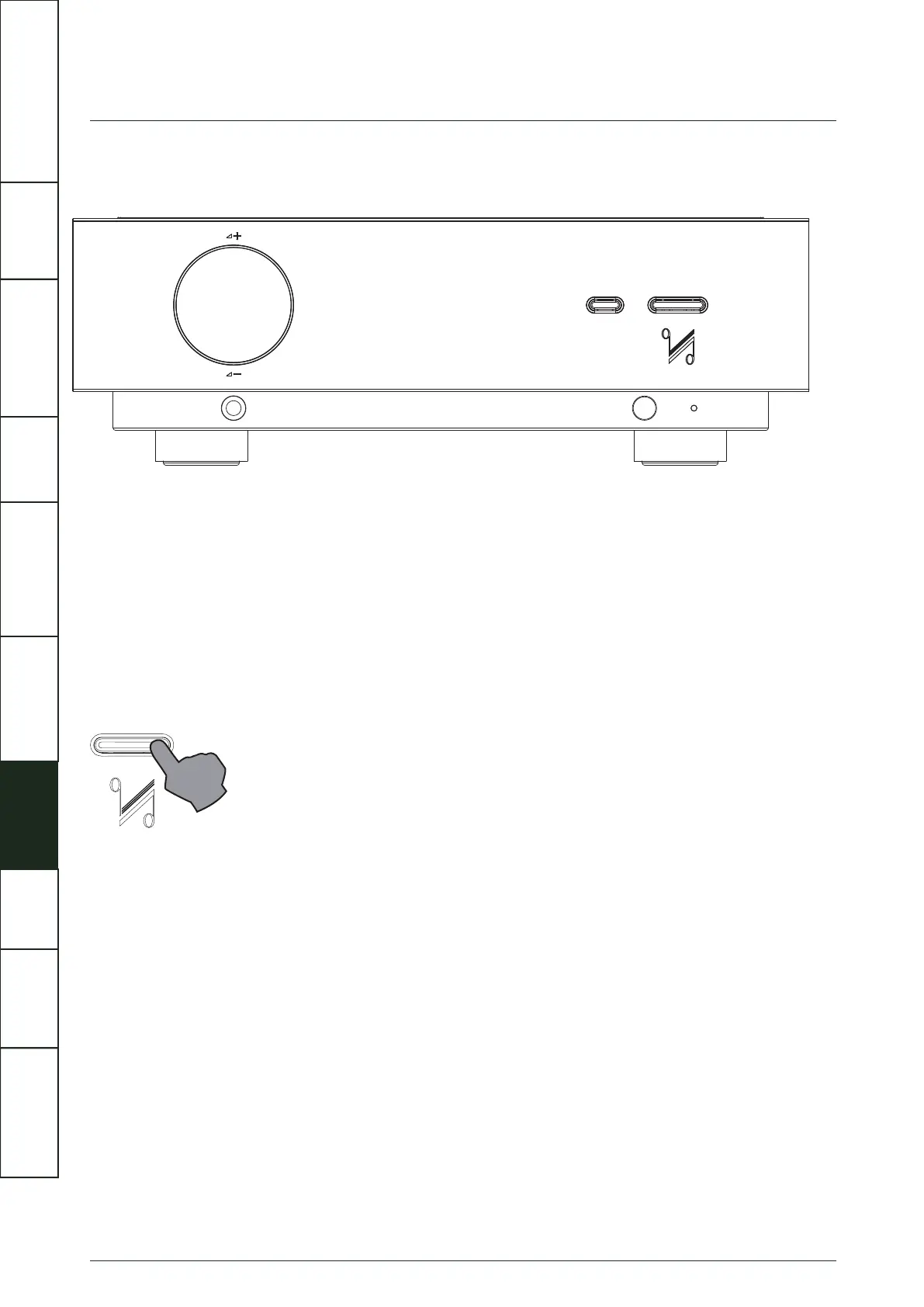
Before connecting the AC mains, please ensure that the power switches of all units are switched off. Then check that all leads are
correctly installed. Next, power on the Artera Pre first followed by the power amplifier. The Artera Pre will enter Standby mode - the
indicator at the bottom of the front panel will glow Red.
Now press the Standby button on the Artera Pre or on the remote handset, the Display of Artera Pre lights up and the indicator at
the bottom goes off.
If the trigger system is connected, the connected slave unit will also go from Standby to “Active”.
IMPORTANT
SAFETY INFORMATION
REMOTE
HANDSET
CONTROLS AND
FUNCTIONS
CONNECTIONS
SYSTEM
OPERATIONS
MENU
OPTIONS
SPECIFICATIONS CONTENTSINTRODUCTION
WARRANTY
COVERAGE



 To Next Page