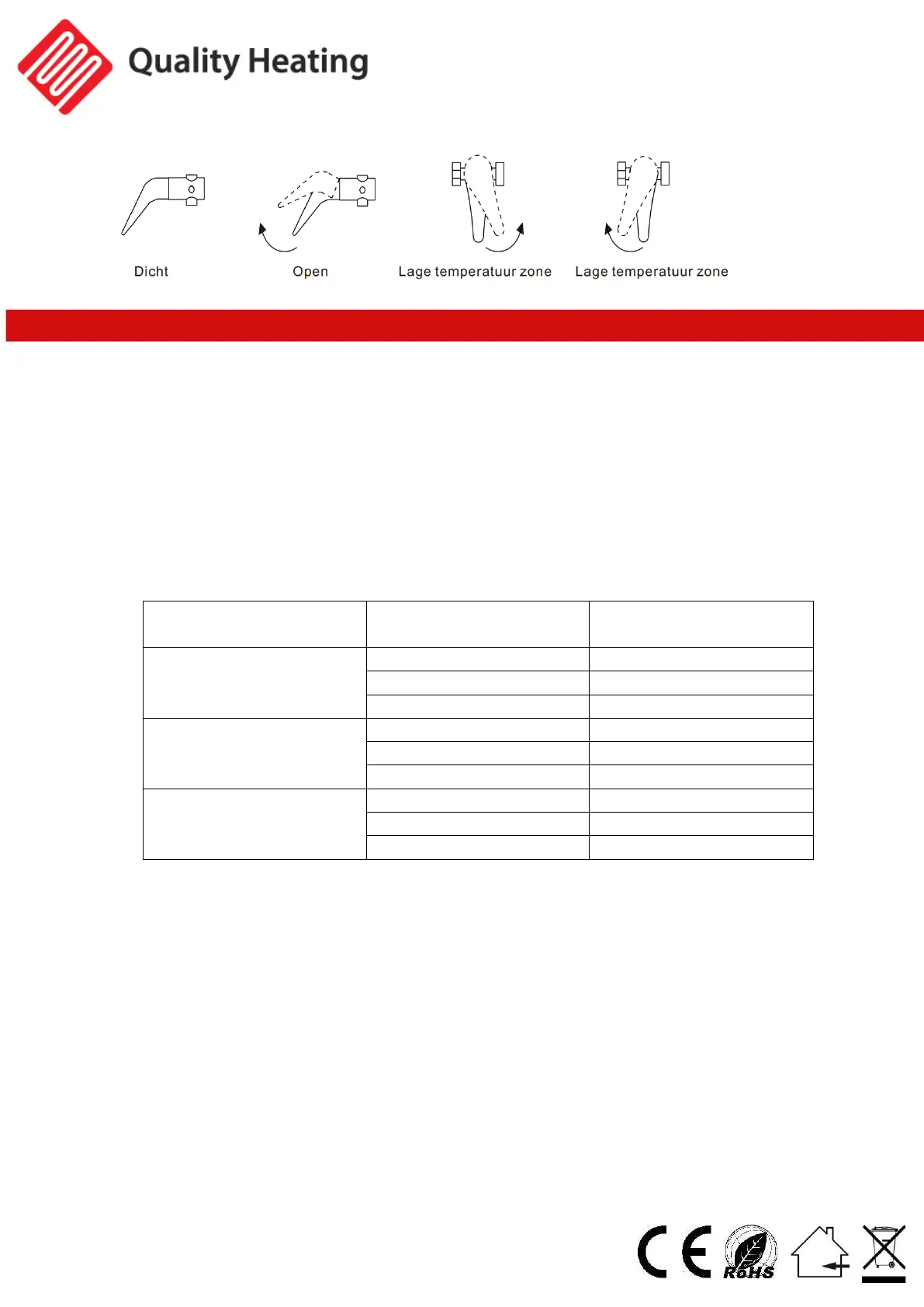
Settings and controls
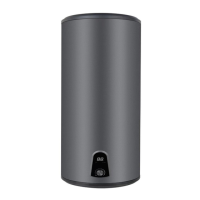
1. Connect the boiler to the power supply, turn on the on/ o button . The heating
indicator light will come on, and the boiler will start heating.
2. If you want to adjust the temperature, you can do so using the bottom dial. Turning
clockwise increases the temperature and turning counterclockwise decreases the
temperature.
When the boiler is heating up, the heating indicator light will come on and you will
see the temperature increase on the display.
When the boiler is up to temperature, the heating indicator light will go out. The
power will be turned o and the boiler will enter temperature maintenance status.
3. Adjust the power using the on/o knob.


 To Next Page