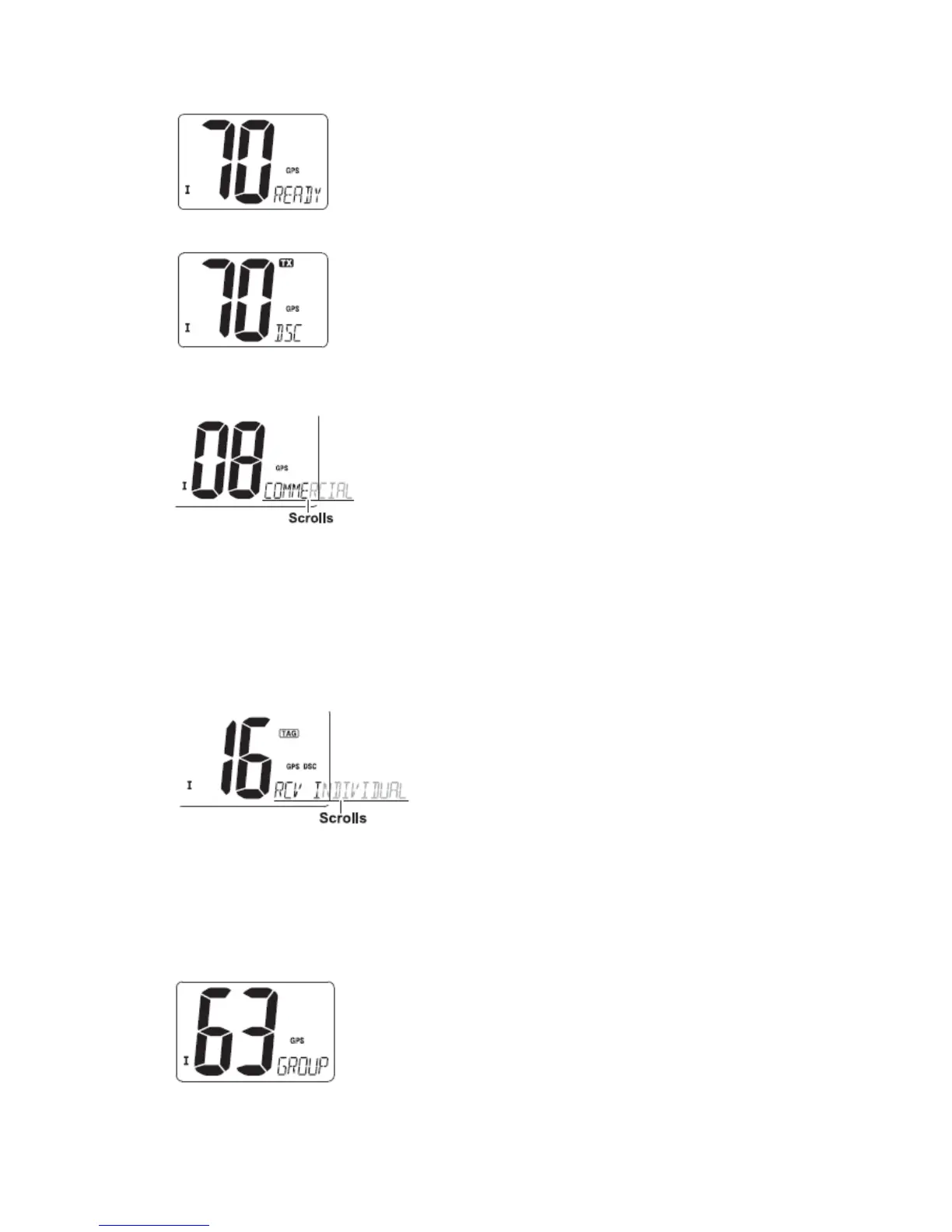
⑤ Push [DSC] to transmit the acknowledgement to the selected station.
⑥ After the Individual acknowledgement has been transmitted, the display changes to
the channel specified by the calling station automatically when “ABLE” is selected.
◆ Receiving an Individual call
While monitoring Channel 70 and an Individual call is received:
① The emergency alarm or beeps sound depending on the received category.
② “DSC” appears and “RCV INDIVIDUAL” scrolls at the channel comment indicator.
③ Push any key to stop beep.
④ Push [DSC] to reply the call and select the channel specified by the calling station for
voice communication; Push any other key to ignore the Individual call.
■ Group call
The Group call function allows you to transmit a DSC signal to a specific group only.
◆ Transmitting Group call
① Push [DSC] to enter the DSC menu.
② Push [▲] or [▼] to select “GROUP”, and push [DSC].
③ Push [▲] or [▼] to select the desired pre-programmed group address, and push


 To Next Page