Operation
QUBEV-UG-02 Installation and Operation Manual QubEV
September 2020 Page 13 of 15
After Installation
Make sure this manual and any other relevant documentation is given to the End User.
Operation
NOTE: At the end of a charging session, always disconnect the cable from the vehicle before
disconnecting from the charger.
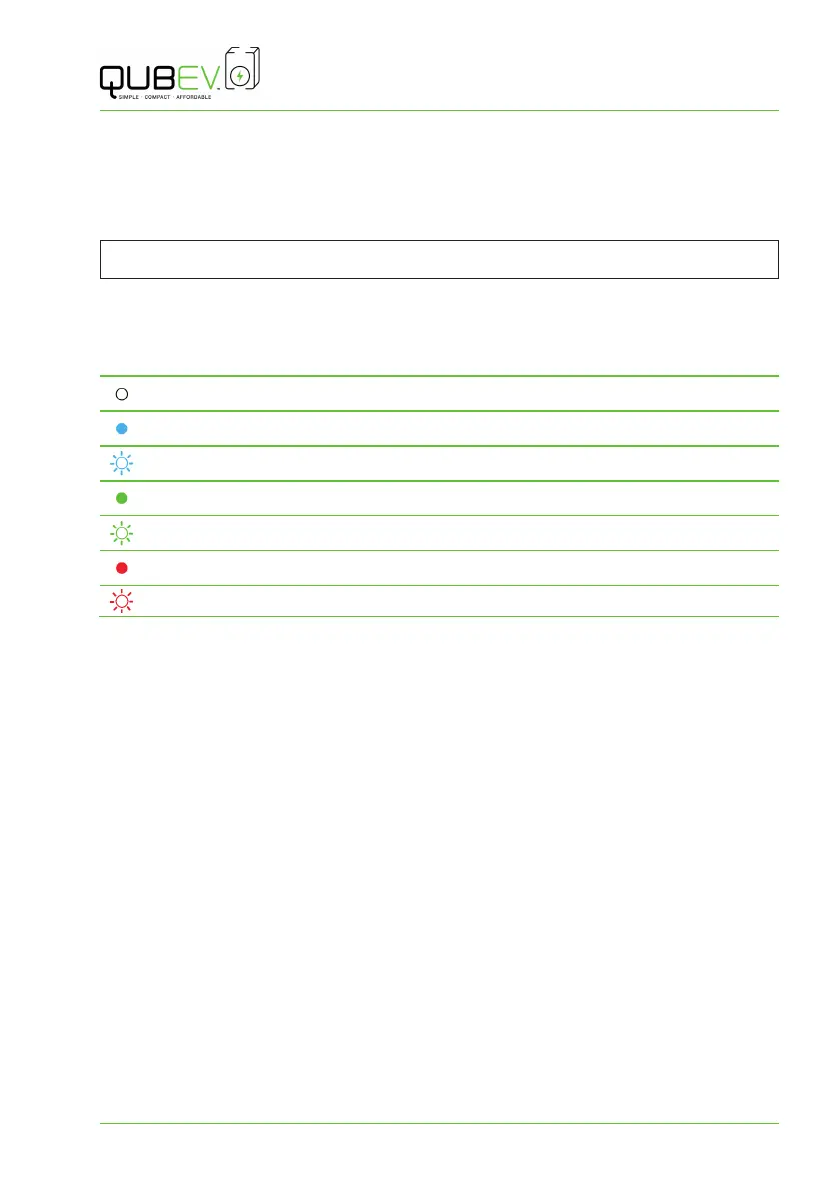
Charger Status Indications
The charger status indicator is located above the charging socket.
No Light No power to charger or Charger fault.
Steady Blue Charger available and ready to be connected to vehicle.
Flashing Blue Connection is okay.
Steady Green Charging.
Flashing Green Charging complete.
Steady Red Electric vehicle requires heat dissipation, STOP charging.
Flashing Red Fault – Not charging.
1. Make sure the Charge Status Indicator is illuminated Steady Blue.
2. Insert the cable into the vehicle first and then into the QubEV charger socket.
3. The Charge Status Indicator will illuminate Steady Green when charging is in progress.
4. To STOP charging, unplug the cable from the vehicle, and then from the QubEV charger.



 To Next Page