the set value of the first temperature segment (200 ℃), the above
settings will repeat.
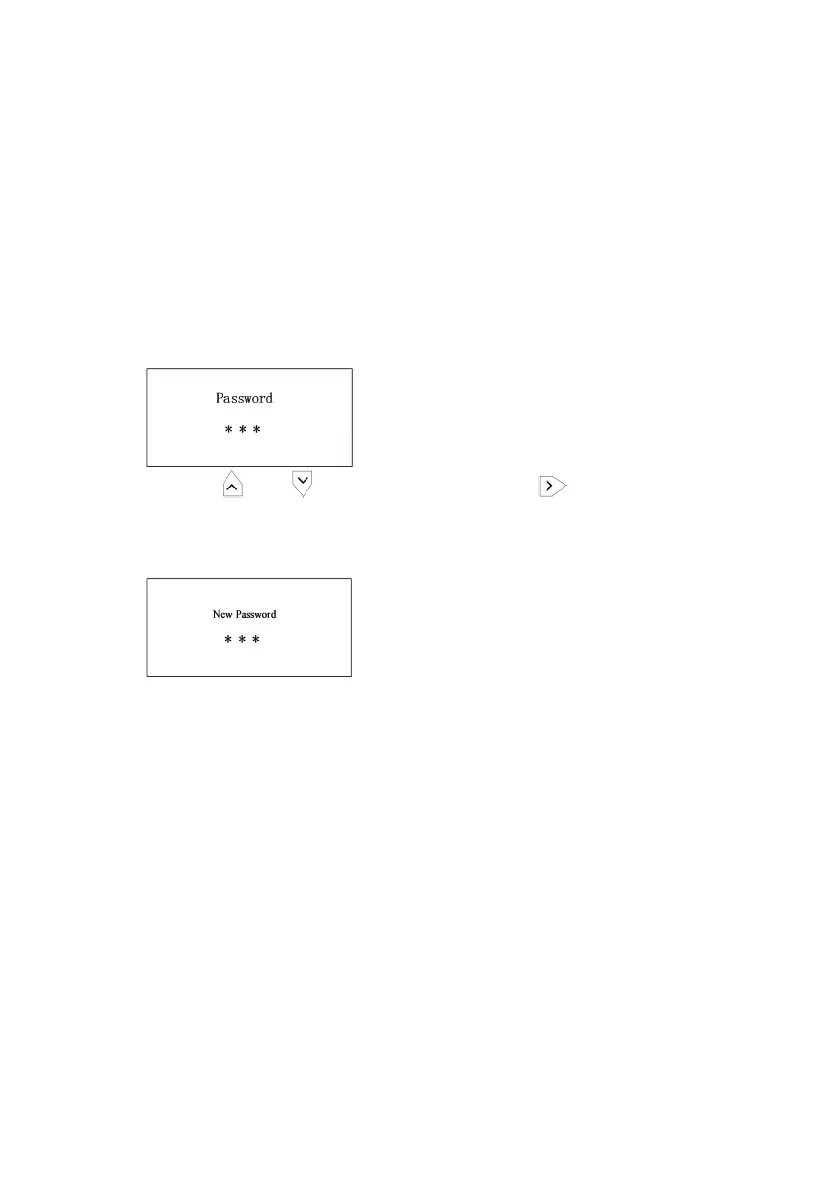
The initial password is "000". At this point the system is unlocked,
and settings for functions and channels are available.
1)Long press the "SET" key to go to password setting page
(Initial password is "000").
2) Press the " " or " " to change the digit, and " " to move into the
next digit. When finished, press SET to confirm.
3) Input the new password and press SET to confirm.
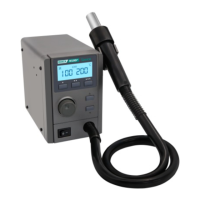
1) When the handle is properly placed on the holder, the unit
automatically enters the cooling state; and the unit enters the sleep mode
instantly when the displayed temperature drops to 100 ℃.
2) When the handle is removed from the holder, the system
resumes to work instantly.



 To Next Page