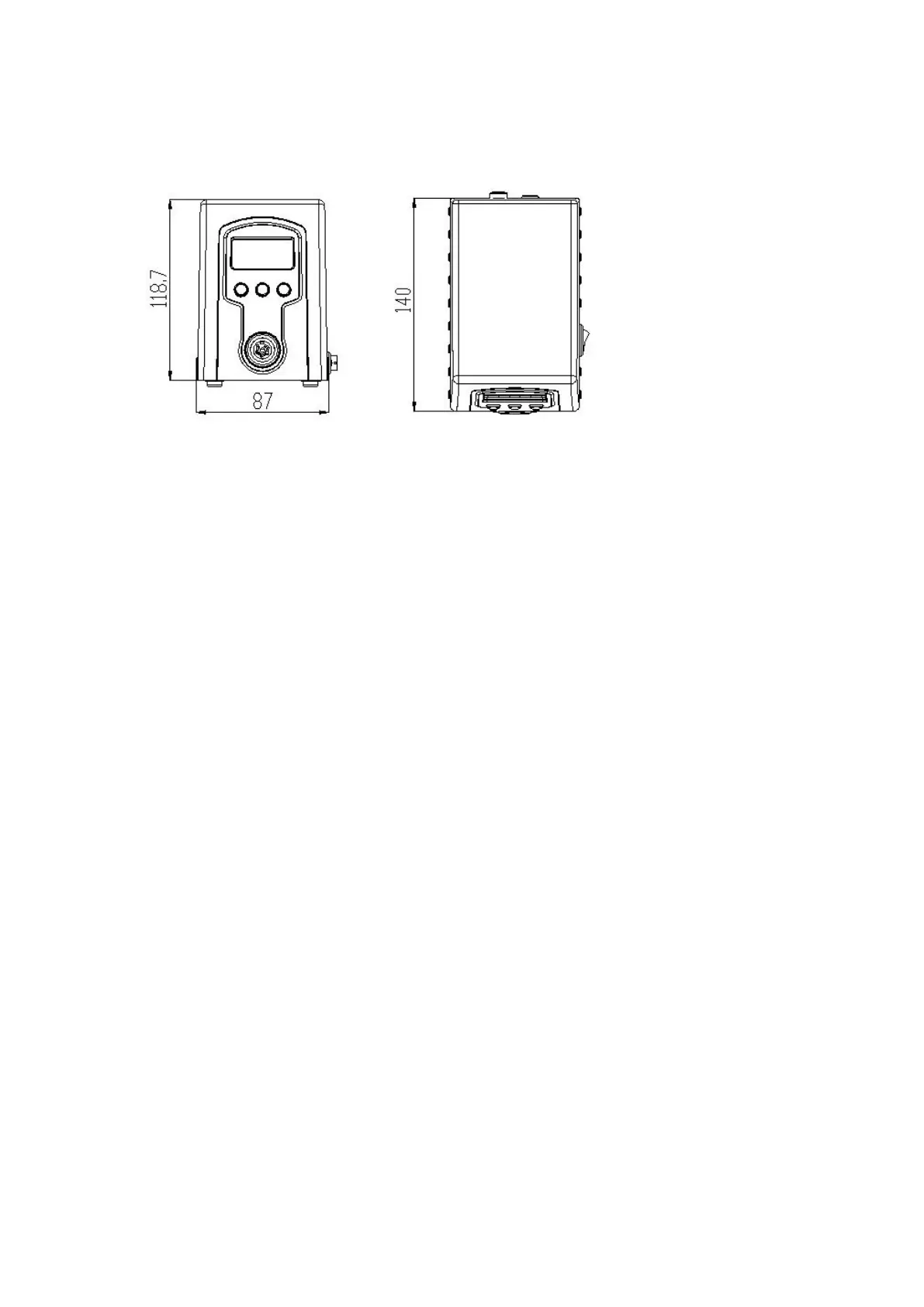
6.2Dimensions
Unit: mm
7. soldering station setting
7.1 Raise temperature and reduce temperature
1)Press “▲”or“▲” button, the temperature will rise or drop.
2)Press “▲”or“▲”button once to rise or drop 1℃,press and hold it to continuously
rise or drop.
3)Release "▲" or "▼" button, display window delay display setting temperature about
2 seconds, if within 2 seconds delay, then press " ▲ " or " ▼ " button, the setting
temperature will rise or fall 1℃;
7.2Temperature Setting
1) After entering the temperature point window, press the "*" button to the three
temperature points. In this case, you can set the temperature. Release the "*" button
for about 2 seconds and then return to the working state.


 To Next Page