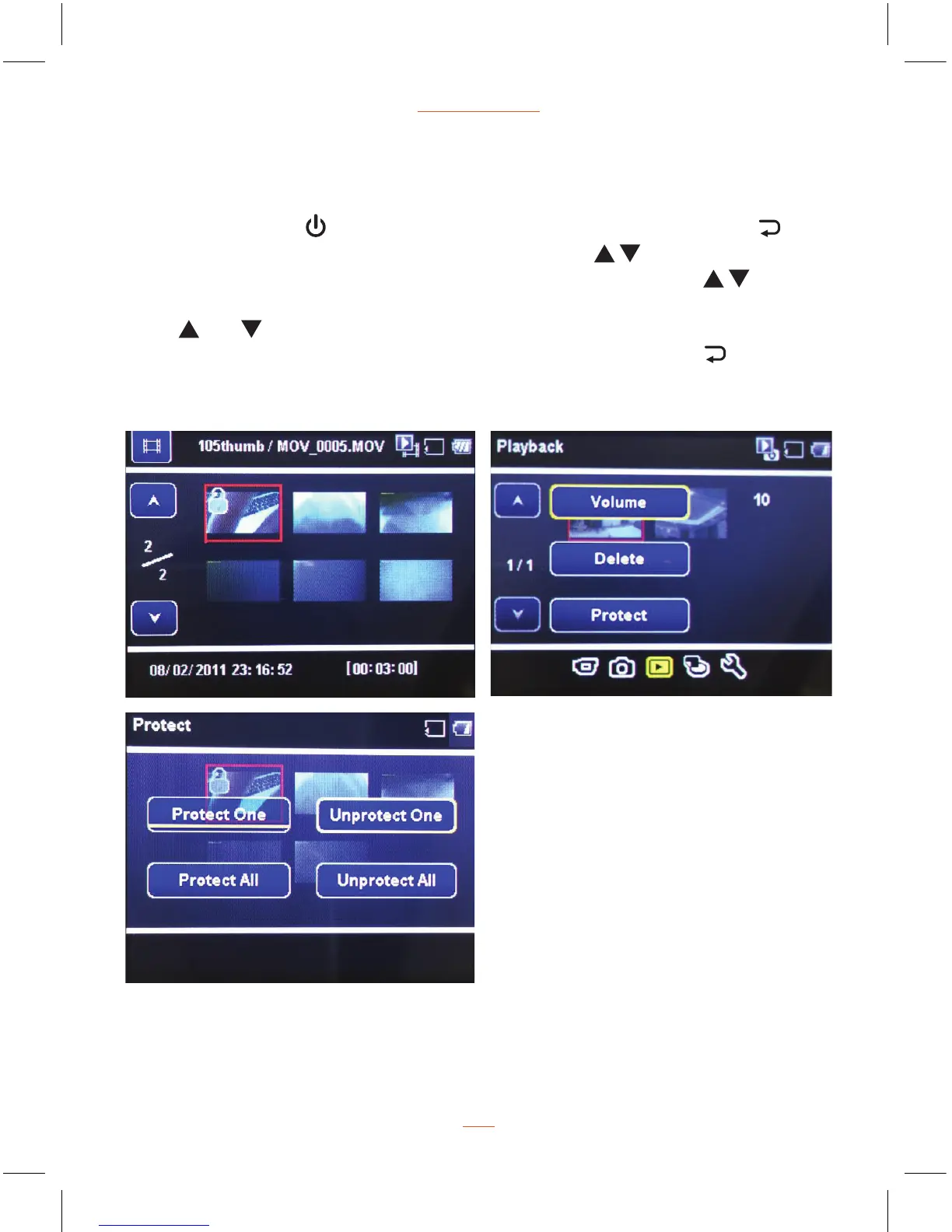
Manual remove lock from videos steps:
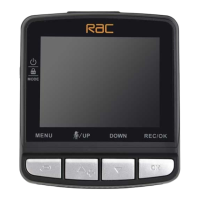
Press MODE button
switch to Playback Mode (1), press MENU button to
enter Playback menu (2), then press Up/Down button
to choose Protect(3),
press REC/OK button to enter Protect sub menu, Up/Down button
to
select “Unprotect One”, press REC/OK button to enter Select YES a file and then
press
and buttons to select the file you want to unprotect, then press
REC/OK button, select YES to confirm unlock. Press MENU button
to exit
from menu setting.
NOTE:
1. If unlock protection is required for all files, please choose Unprotect All.
2. Follow similar steps to protect videos, pictures.


 To Next Page