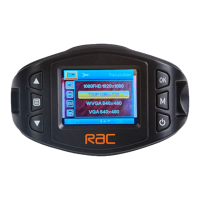
Set the Date / Time
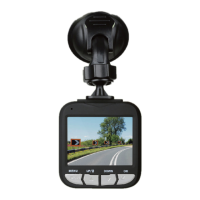
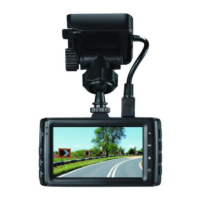
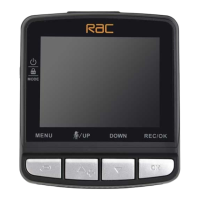
To set the correct date and time, press MENU button to enter the
menu setting, then press MODE button
to change to General Settings
then press
and buttons to select Clock settings, press REC/OK button to
enter date / time setting, then press
and buttons to adjust the value, press
REC/OK button to switch to next setting, after finished all the settings, press
REC/OK button to return to General Settings Option, press MENU button
to exit from menu setting. To start recording press REC/OK button once.
Mode Selection
The default setting is Movie Mode , press MODE button to switch to
Still Capture Mode
, Playback Mode Media Tool and General settings .
Using the Driving Recorder
Recording Videos
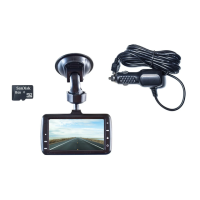
Before starting recording, please insert a MicroSD card (included) into
the SD card slot. Press REC/OK button to start recording, the video recording
icon
• flashes on the screen. The recorded files are saved to the SD card.
To stop recording, press REC/OK button again. With the car charger connected
the device will automatically turn on and start recording when the car engine
starts. When the engine stops, the device will automatically save the last file
and turn off.


 To Next Page