Emergency File Protection
Important:
The RAC 205 records in segments onto the MicroSD card. The default segment
duration is 3 minutes, which can be changed from the menu settings. For
example, 1 hour of recording would generate 20 x 3 minute segments.
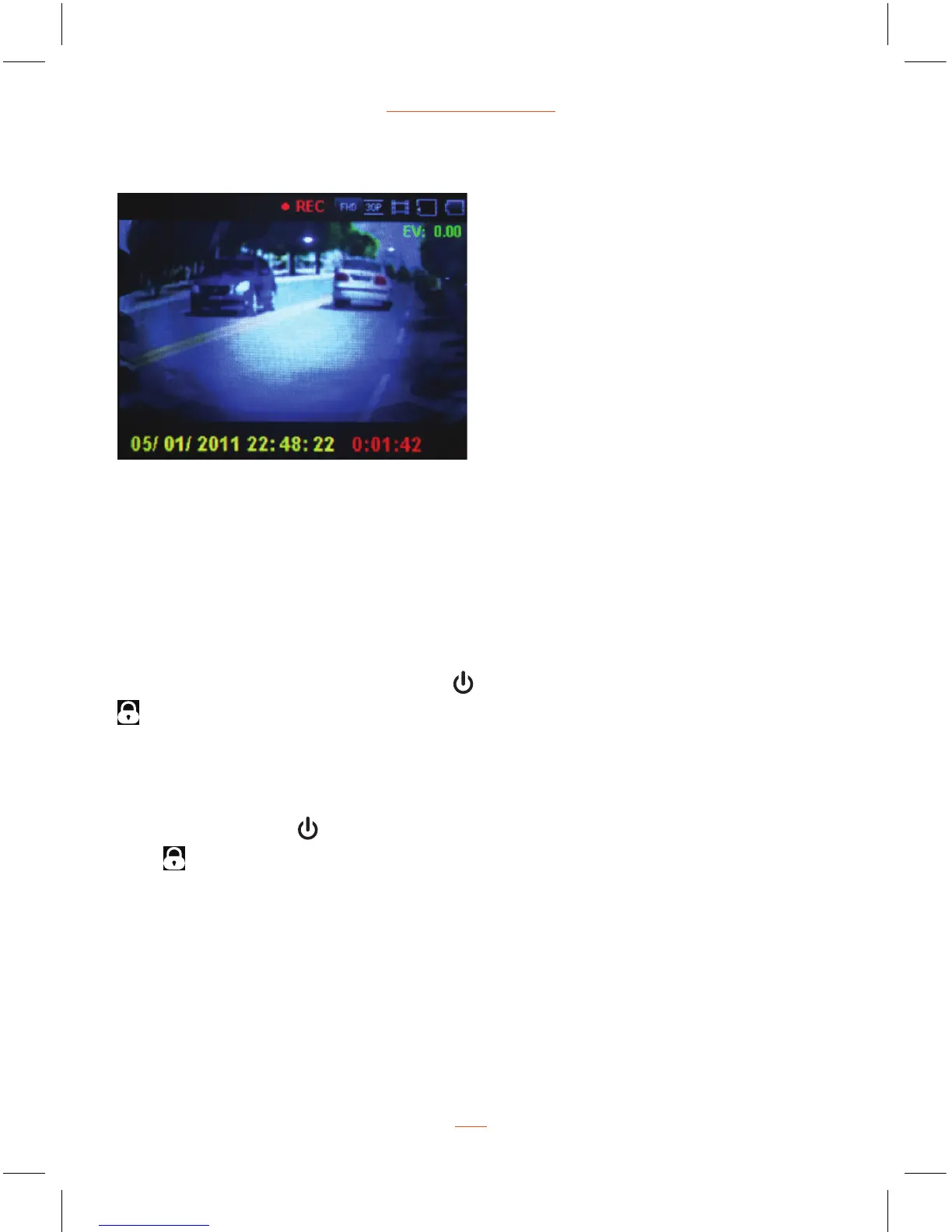
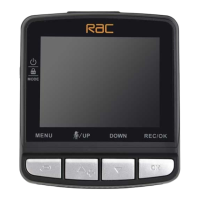
During recording, press MODE button
to protect current video, the lock icon
appears on the screen, the current movie clip will be protected and cannot be
replaced (the default setting for a movie clip is 3-minute), the next movie clip will
unlock automatically and can be replaced if the MicroSD card is full.
Remove the protection for current movie clip:
Press MODE button
again to remove protection for current movie clip, lock
icon
will disappear from the screen, the movie clip will not be protected and
can be replaced if the MicroSD card is full.
NOTE:
The recording will stop automatically and the screen will show MicroSD card is
full if the MicroSD card is full of protected files. To continue recording, please
change a MicroSD card or delete the protected files manually.
Recording Screen
07


 To Next Page