Viewing Pictures
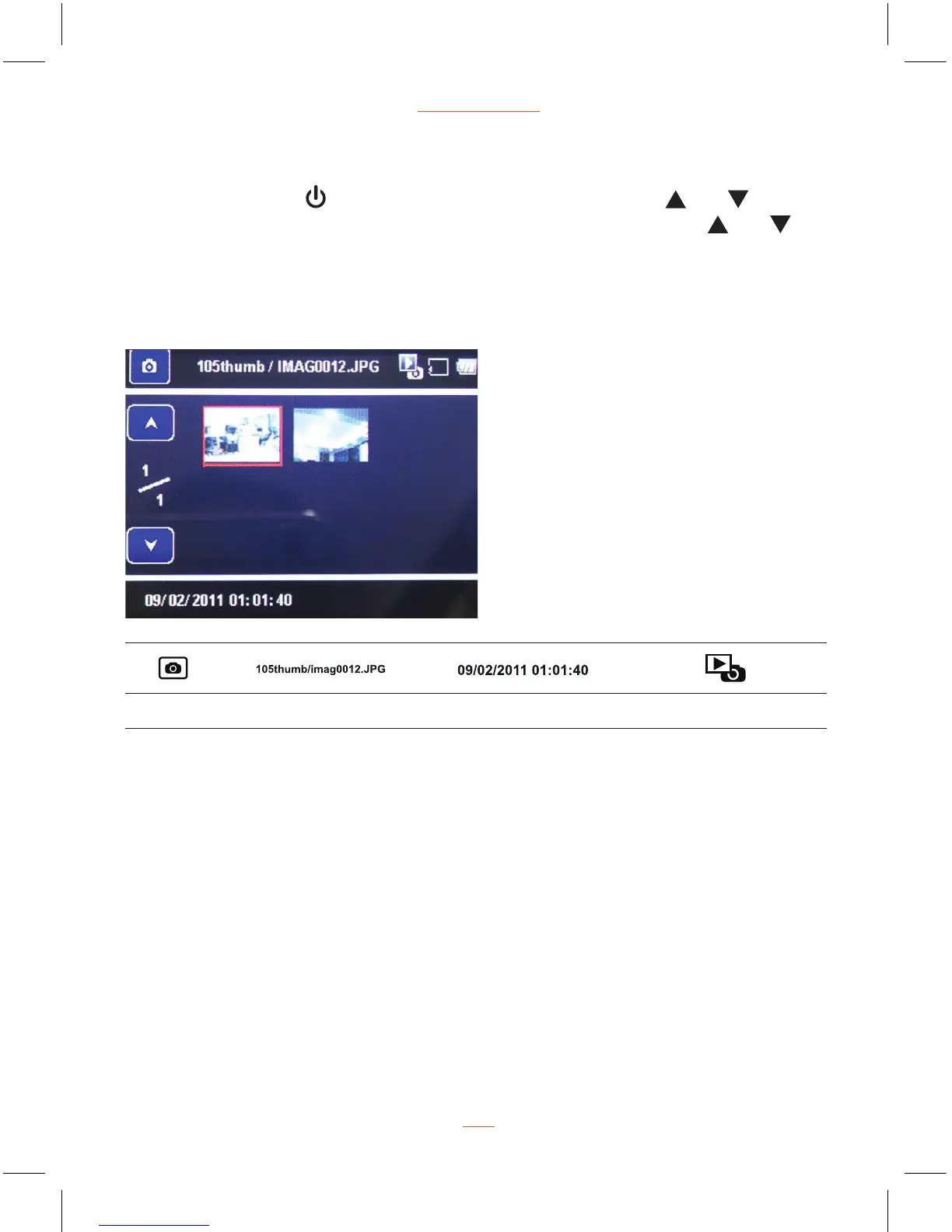
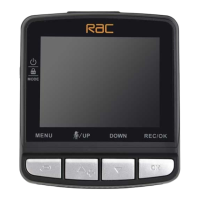
Press MODE button switch to picture viewing mode, press and buttons
select the picture, then press REC/OK button to view picture, press
and
buttons for viewing pictures one by one, press REC/OK button again can return
back to picture viewing mode.
View Picture Screen
Picture Picture Name Date & Time Picture Viewing Mode


 To Next Page