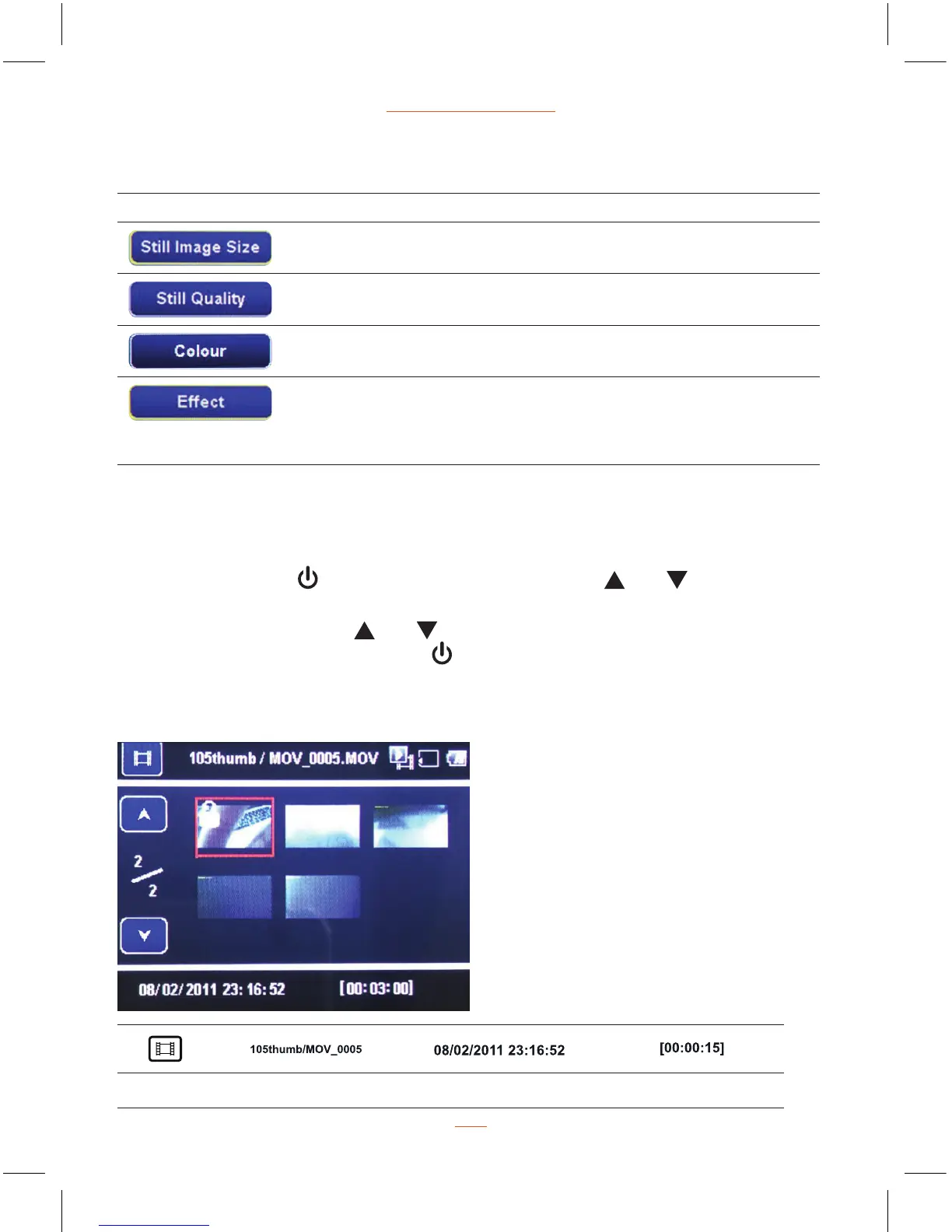
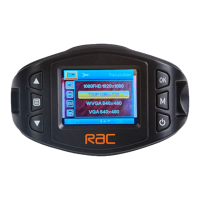
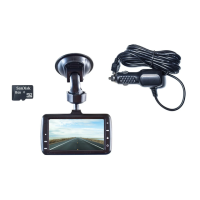
Play Video Screen
Function List Description Available Option
Set the photo resolution. 14M / 12M / 8M / 5M /
3M / 2M / 1.2M / VGA
Set the photo quality. Super Fine / Fine
Setting for the special picture colour. Natural / Vivid / Pale
Setting for the shooting effect. Normal / Sepia /
B&W / Emboss /
Negative / Sketch /
Oil / Crayon
Still Capture
Playing Videos Mode
Playing Videos
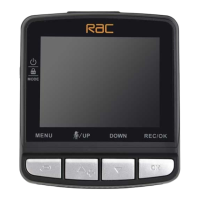
Press MODE button
switch to Playback mode, press and buttons to
select the video, press REC/OK button start playing, press REC/OK button again
to pause the playing, press
and buttons can fast forward / fast backward
during playing. Press MODE button
can stop playing and return back to
playback mode.
Video Video Name Date Time
19


 To Next Page