10 ·
D
RIVER
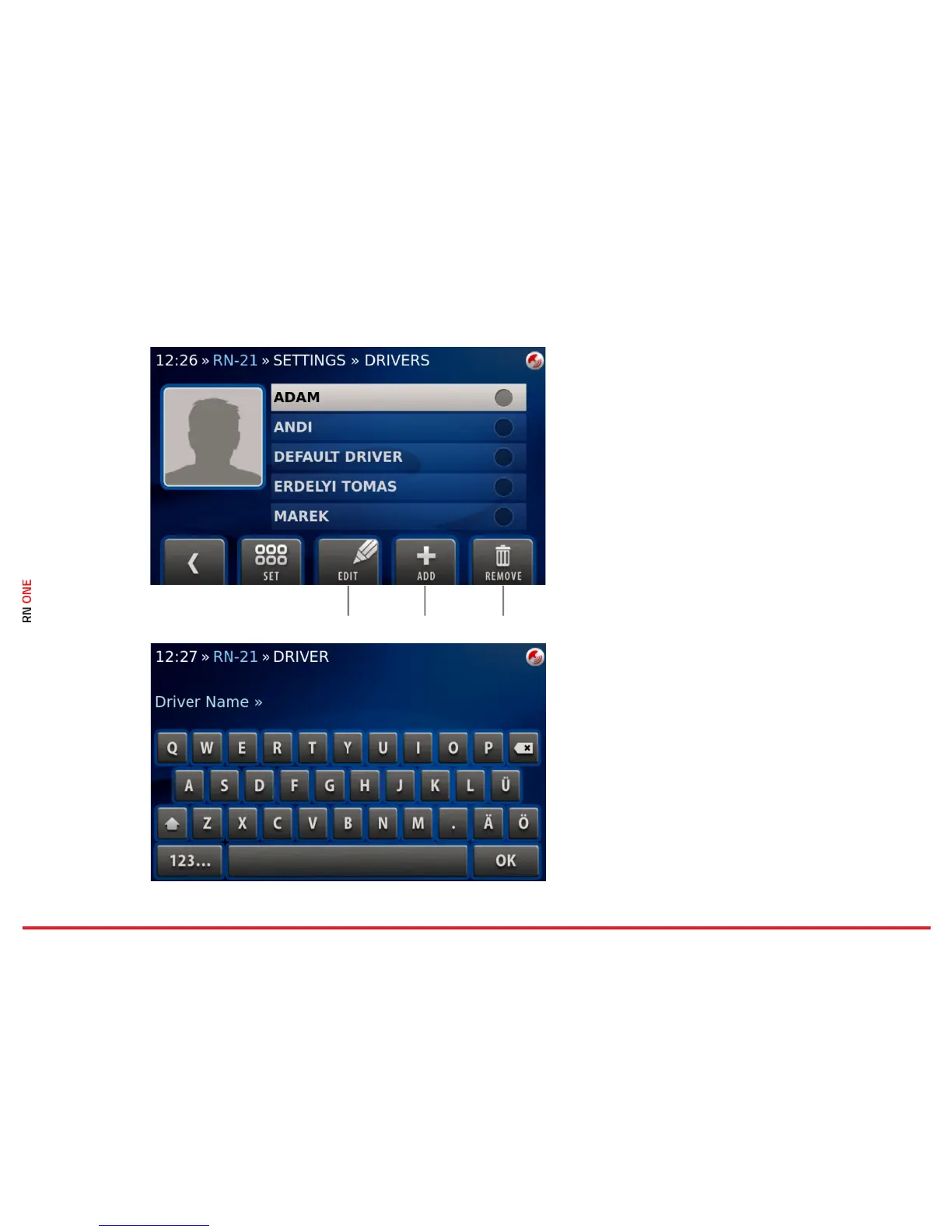
Each recorded video is associated with a driver, a
car, a track and an event.
To select a driver, go to the Settings view and click
on Driver. There will be the list of existing users.
Scroll down the list and select the proper one.
Press Set to confirm your selection.
Edit
You can edit an existing driver.
Add
You can add a new driver.
Remove
You can remove a driver.
10.1 · DRIVER · Add
To create a new driver click on the Add button.
Enter the driver’s name using onscreen keyboard
and confirm with OK.



 To Next Page