18 · EXPORT VIDEO
Here you can export the video and data directly to
the memory stick.
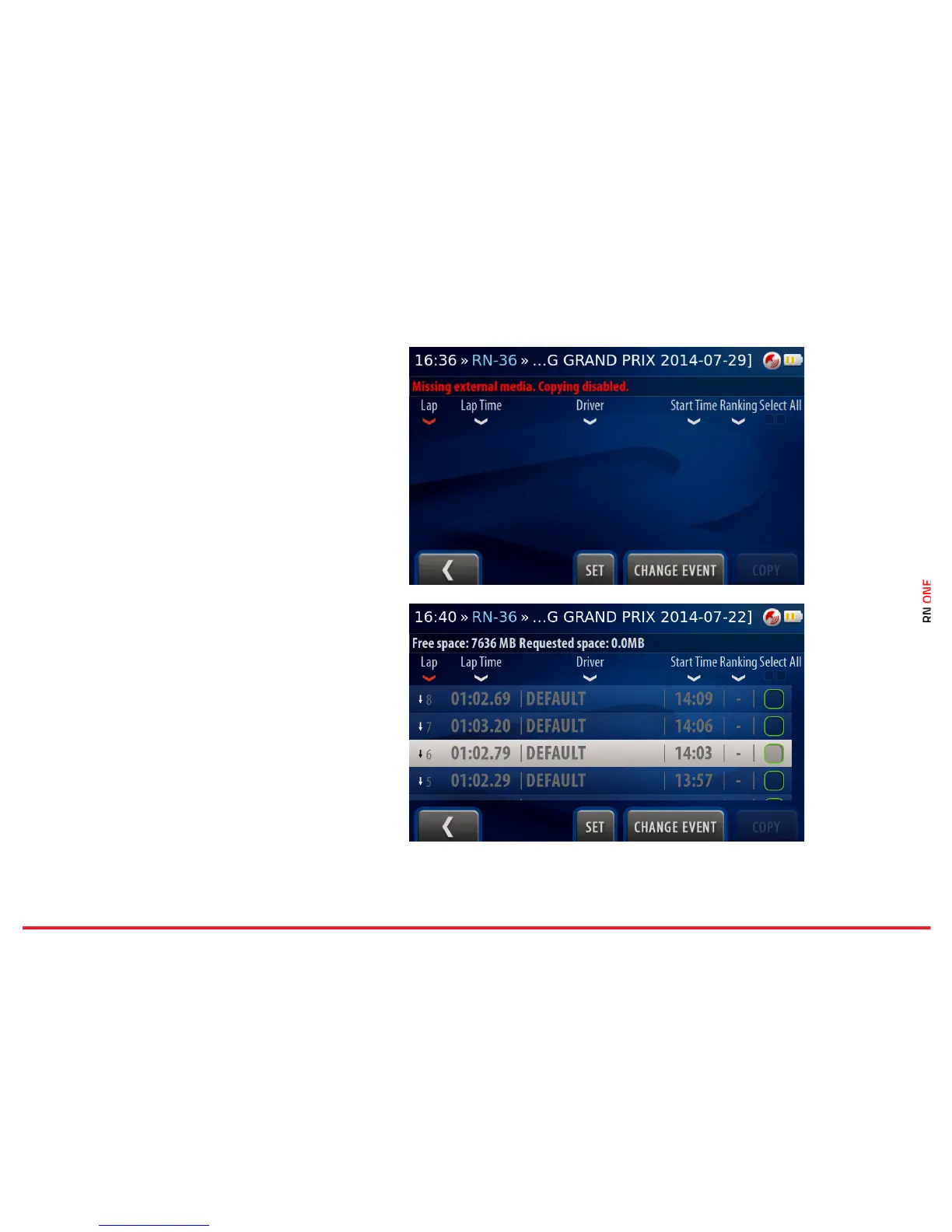
The memory stick is required to be plugged in.
Otherwise, the Copy button is disabled and you
are informed about missing memory stick.
Change Event
Change the event to select proper laps for
exporting.
All laps from selected event are enlisted. Full laps
are colored white while the others are colored
grey, except the best laps of each driver which are
colored yellow.
The list can be sorted by the column headers. You
can change the sorting method by clicking on one
of them. Current sorting column is colored red.
You can find the laps on the list and select it.
Confirm your selection by pressing the Set button.
Press the Copy button to start the process.



 To Next Page