16 · AUTOSTART
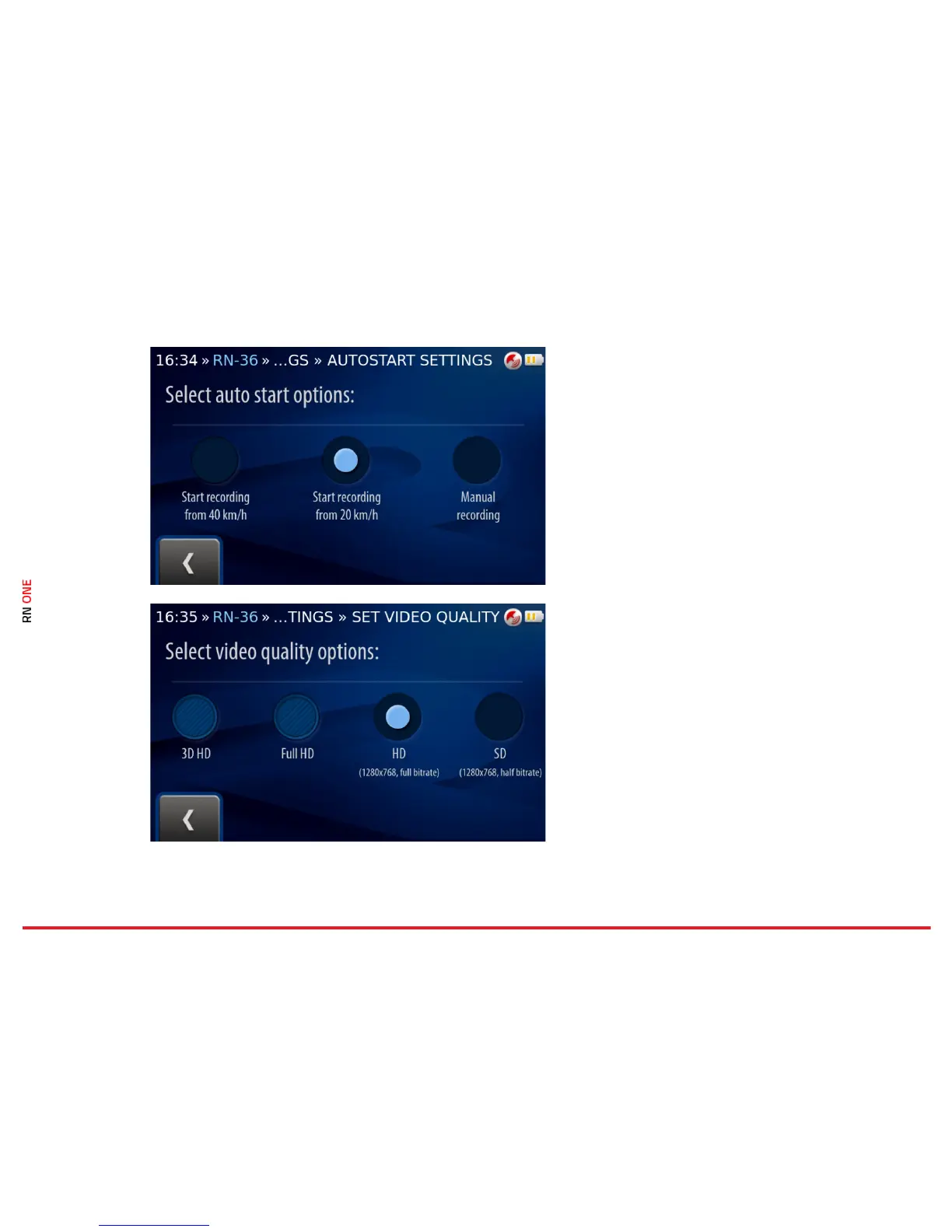
Different video recording modes are available. You
can start recording manually or it can be activated
automatically after exceeding the required speed:
20 km/h or 40 km/h.
Select the mode by clicking on the proper element.
Use the Back button to complete the process.
17 · VIDEO
Different video quality options are available. The
video can be recorded in:
• SD quality (1280x768, half bitrate)
• HD quality (1280x768, full bitrate).
Select the option by clicking on the proper
element. Use the Back button to complete the
process.



 To Next Page